
Guides · Organizing
Organize with categories, series and parts
Homileto starts you with three categories: Sermons, Bible Study and Ceremonies. Within a category, sermons in the same series are grouped together and kept in order by part.
Updated October 16, 2026 · 5 steps · Leer en español
The steps at a glance
-
Filter by category
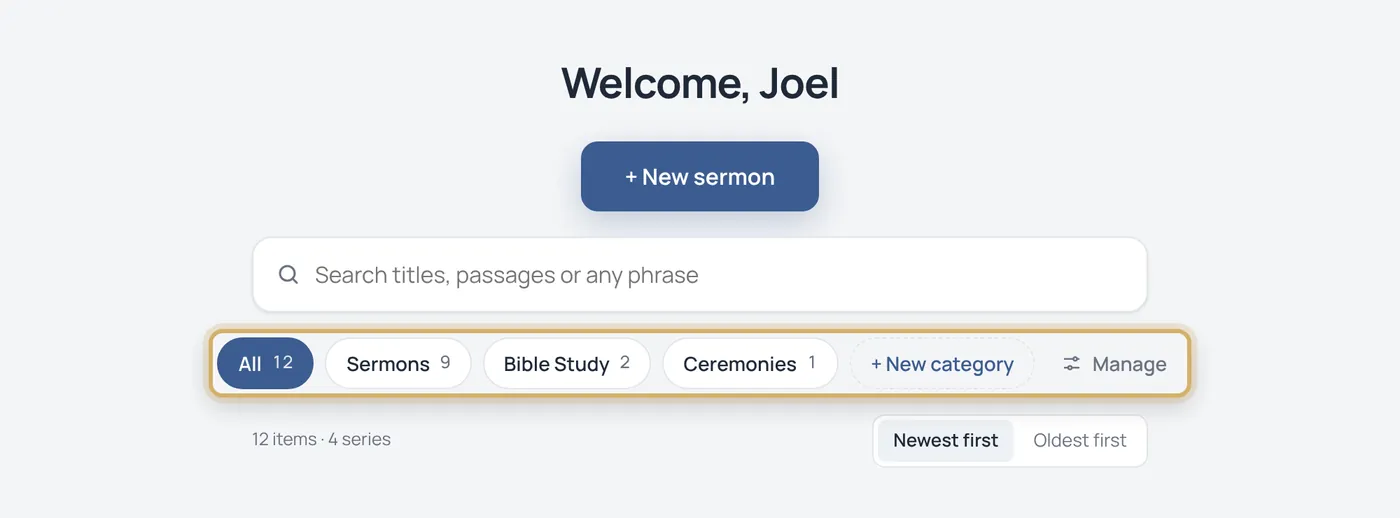
The chips under the search box show each category and how many items it holds. Tap one to see only those; All shows everything.
-
Set a sermon’s category, series and part
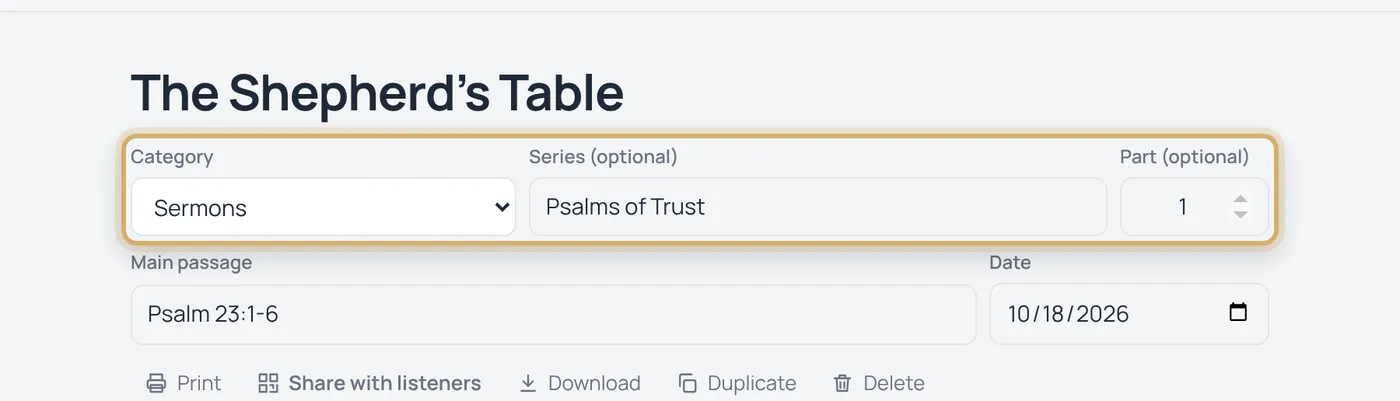
At the top of any sermon, pick the Category, type a Series name (Homileto suggests the ones you’ve used), and give it a Part number if you like.
-
See your series together
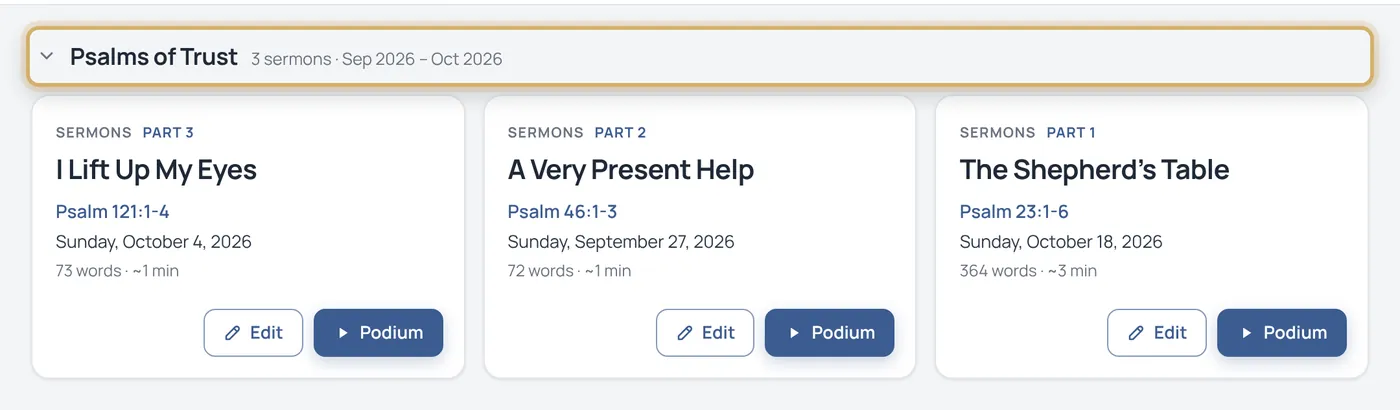
Your dashboard groups each series under its name, with the parts in order, followed by single messages. Tap a series name to fold it away.
-
Rename, reorder or add categories
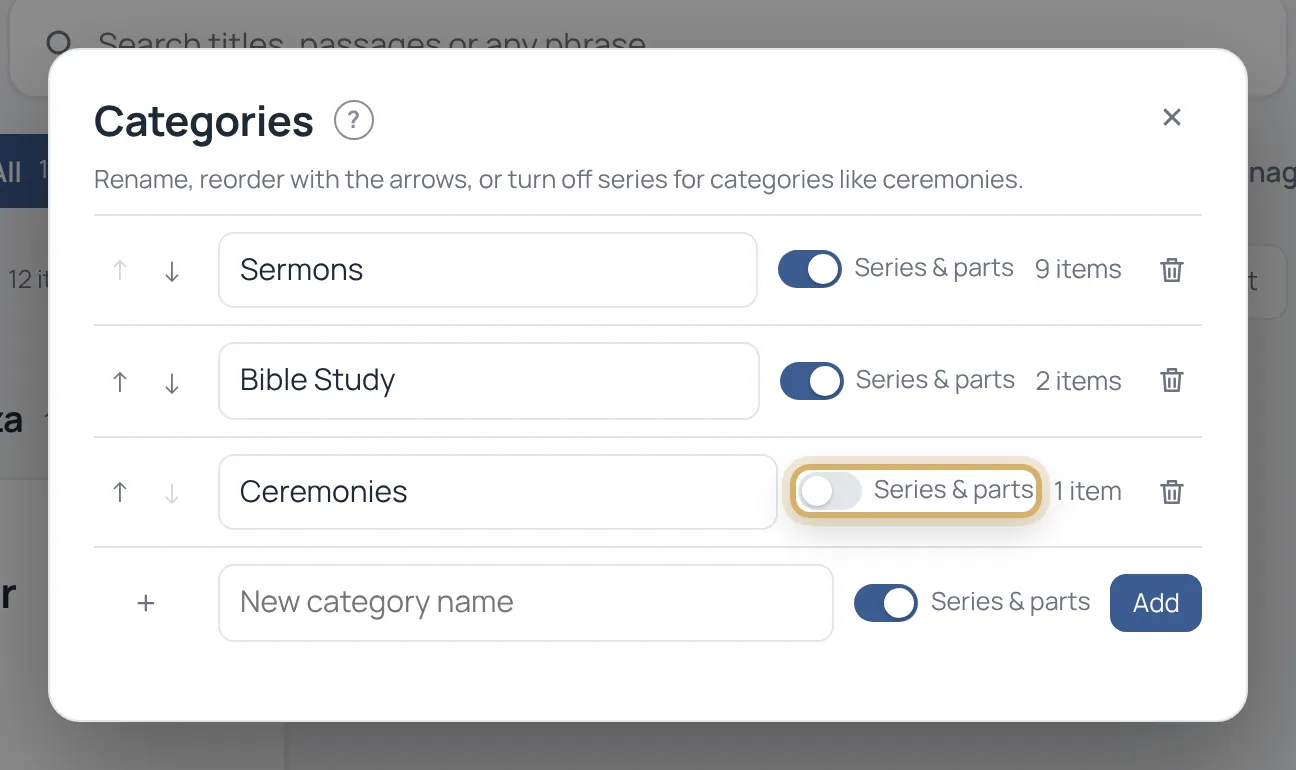
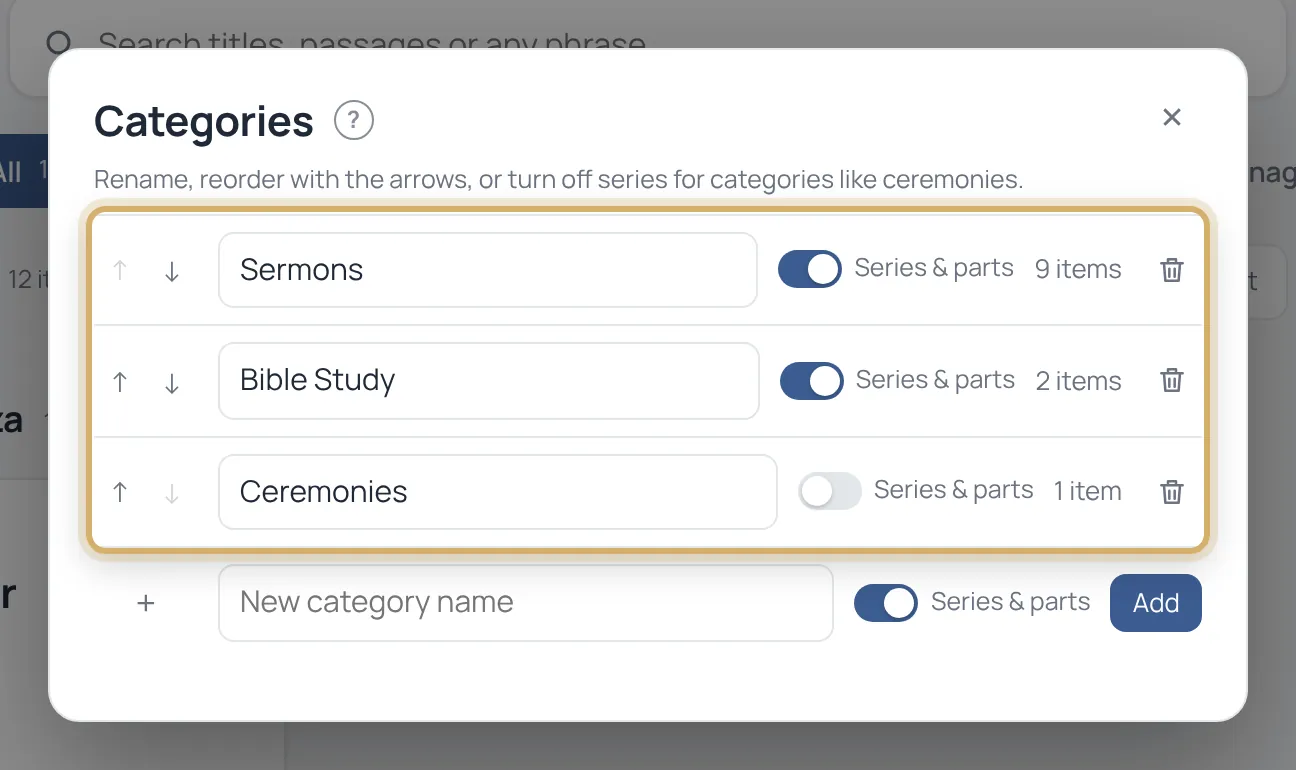
Press Manage beside the chips. Rename a category, move it with the arrows, or add a new one such as Youth or Funerals. When you delete a category, you choose where its items go.
-
Turn off series where they don’t fit
Some things never come in a series, like weddings. Switch off Series & parts for that category and those fields disappear from its items.