
Guides · Getting started
Write your first sermon: a five-minute tour
Homileto builds a sermon out of colored blocks: Scripture, points, sub-points, illustrations, application and plain text. Here’s the whole path from a blank page to the pulpit.
Updated October 16, 2026 · 5 steps · Leer en español
The steps at a glance
-
Start a new sermon
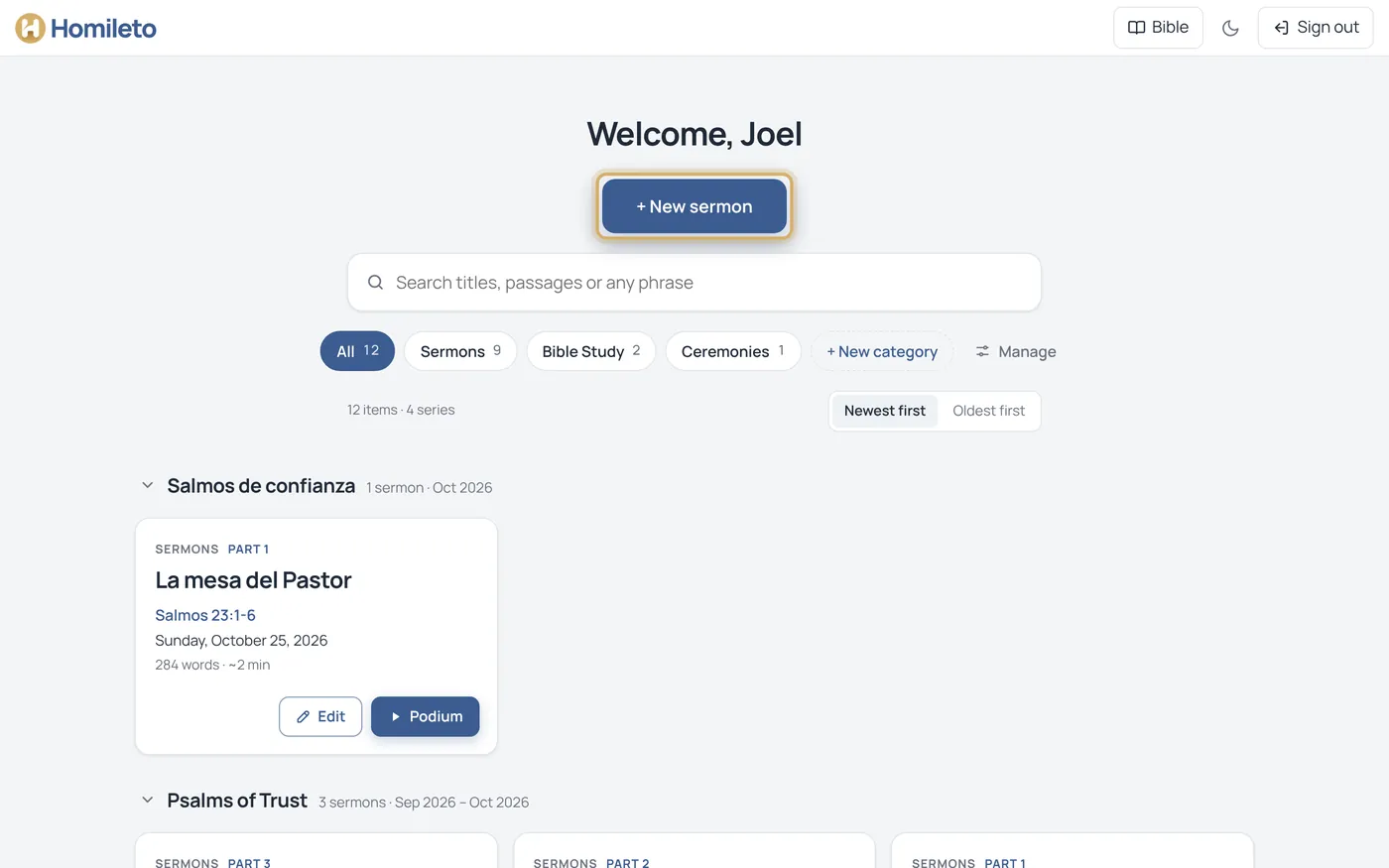
From your dashboard, press + New sermon. (When a category is selected, the button adds the sermon to that category.)
-
Give it a title, passage and date
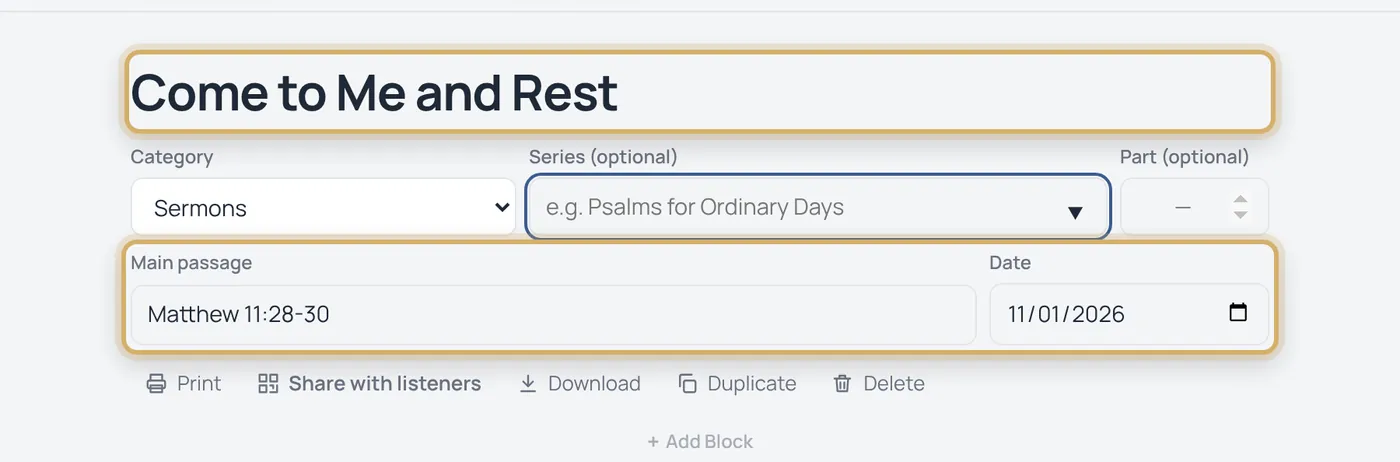
Type the title at the top, then the main passage and the date you’ll preach it. Category, series and part are optional; see Categories, series and parts.
-
Add blocks
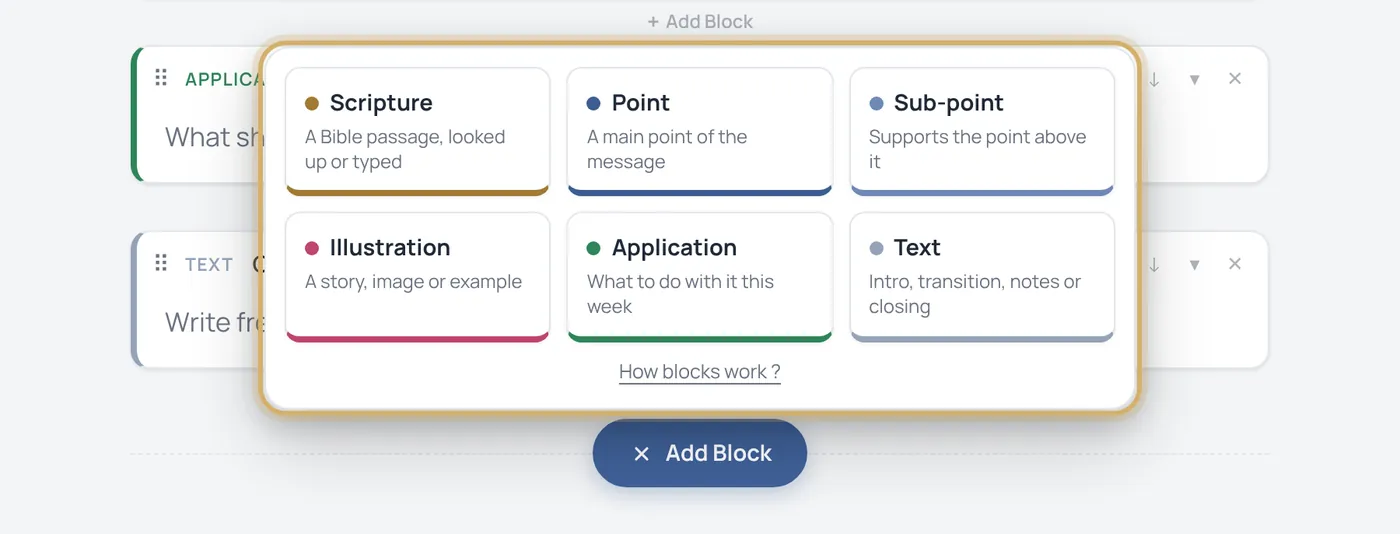
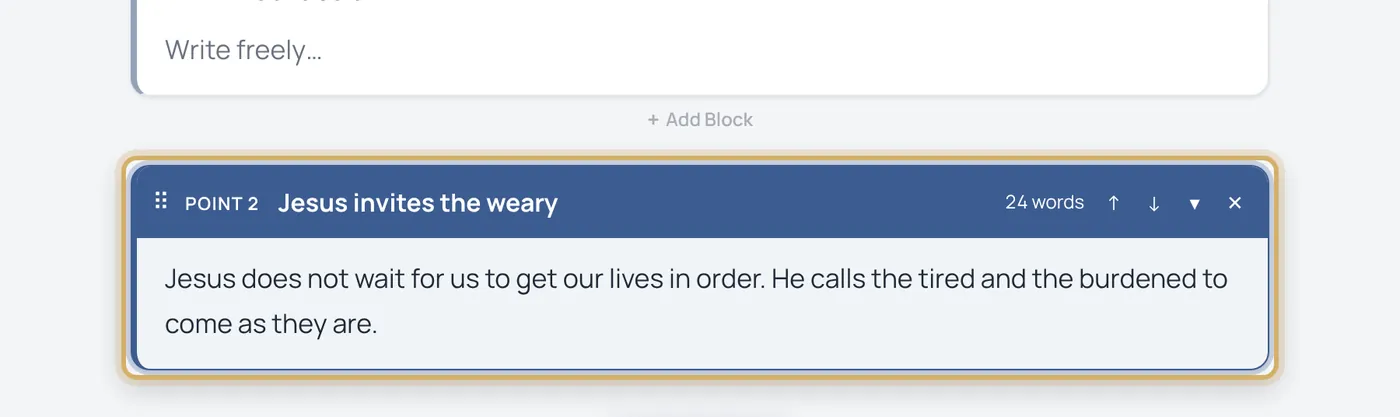
A new sermon starts with a simple outline. Press Add Block to add another: Scripture, Point, Sub-point, Illustration, Application or Text. Each kind has its own color, so you can see the shape of the message at a glance.
-
Write
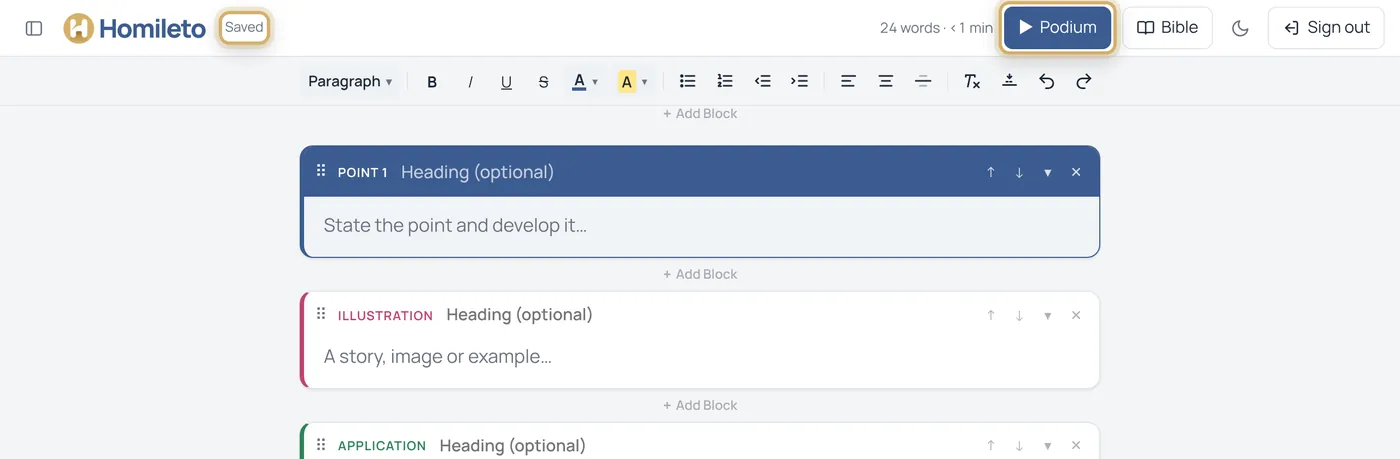
Give a block a short heading if you like, then write underneath. Points are numbered for you (Point 1, Point 2), and sub-points follow the point above them (1a, 1b).
-
Saving is automatic. Then preach it.
Homileto saves as you type; the word Saved appears at the top. The top bar also shows the word count and an estimate of preaching time. When you’re ready, press Podium to preach from a clean, large-print view.