
Guides · Scripture
Look up a passage with the built-in Bibles
Homileto comes with ten public-domain Bibles built in, so you can pull a passage into your sermon without leaving the page, even offline: KJV, BSB, WEB, ASV, BBE, Darby, Douay-Rheims and Young’s Literal in English, and Reina-Valera 1909 and 1865 in Spanish.
Updated October 16, 2026 · 5 steps · Leer en español
The steps at a glance
-
Add a Scripture block
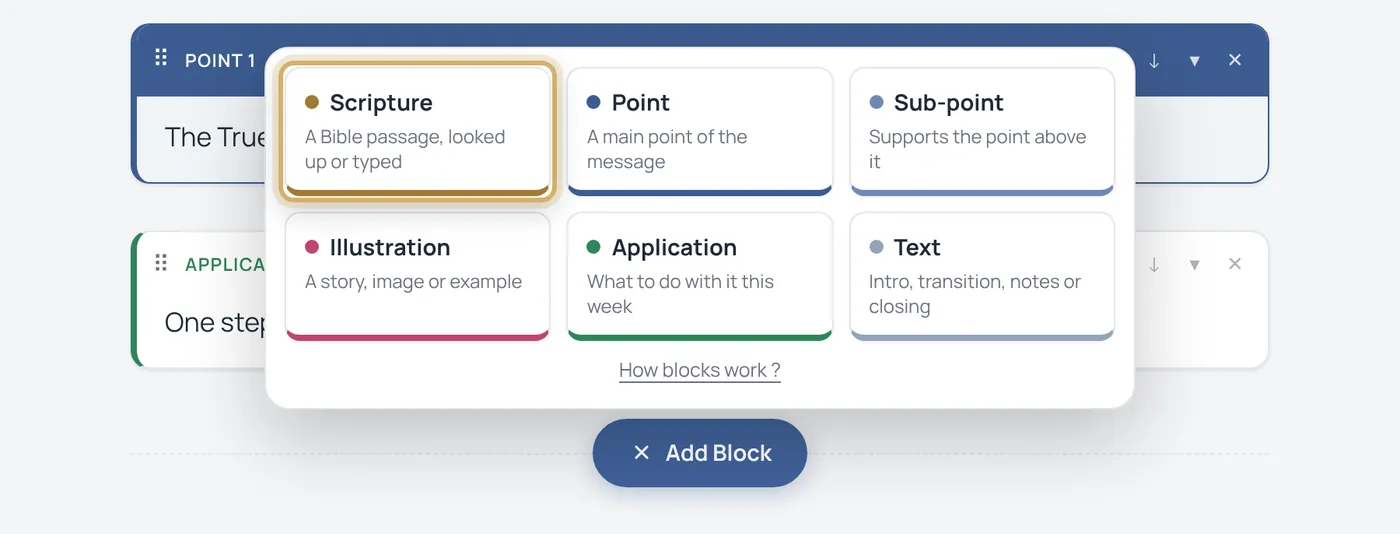
Press Add Block (or a + Add Block between blocks) and choose Scripture.
-
Type the reference and pick a Bible
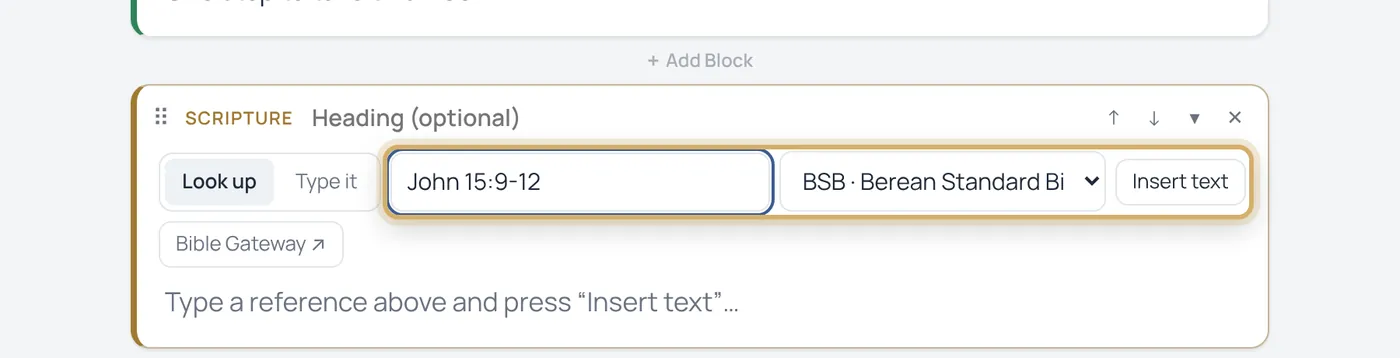
Type a reference such as John 15:9-12, choose the translation, then press Insert text. Short forms like Jn 15:9 work too, and so do Spanish book names like Juan 15:9.
-
The verses drop in
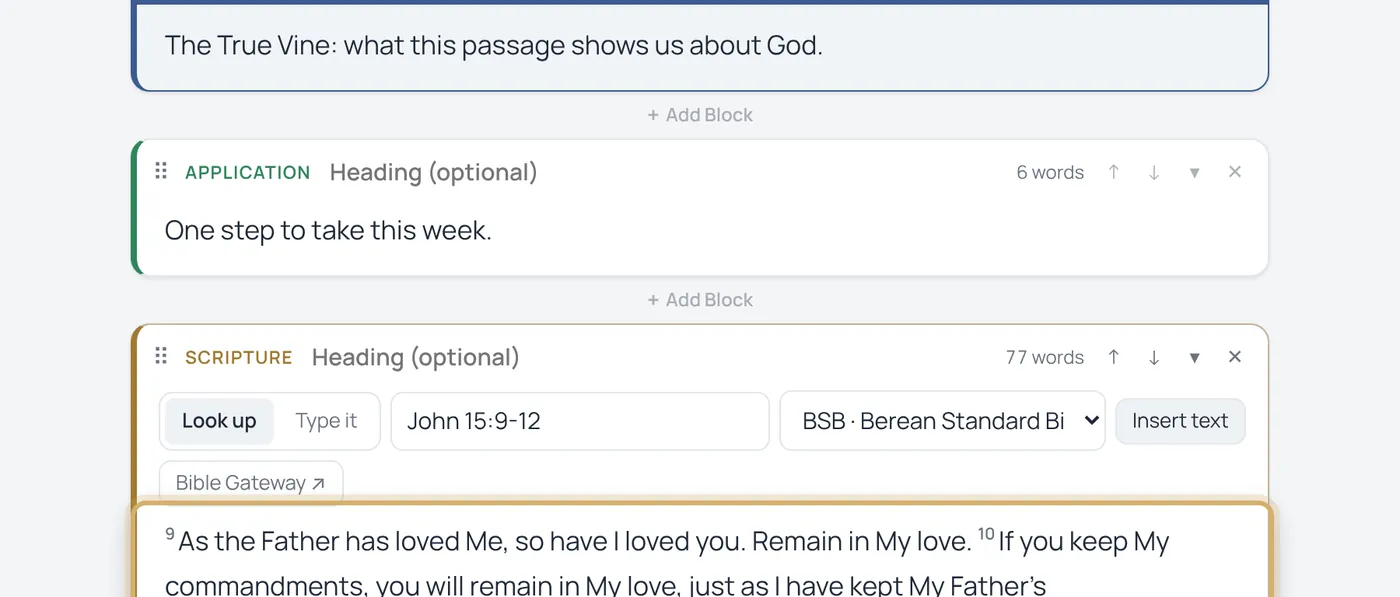
The passage appears with verse numbers and the version at the end. You can edit it, bold a phrase or highlight a word like any other text.
-
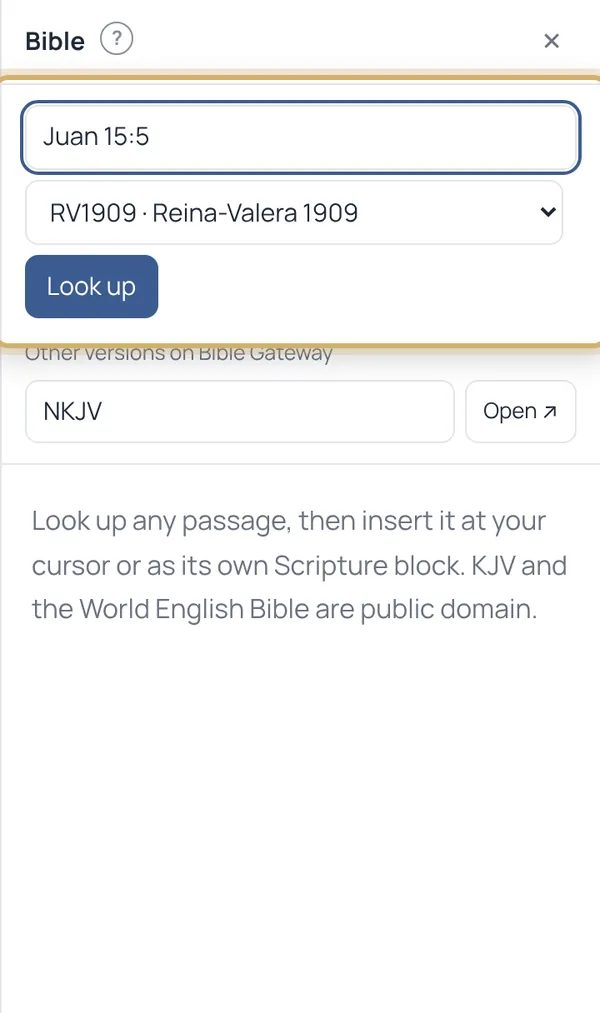
Or use the Bible panel
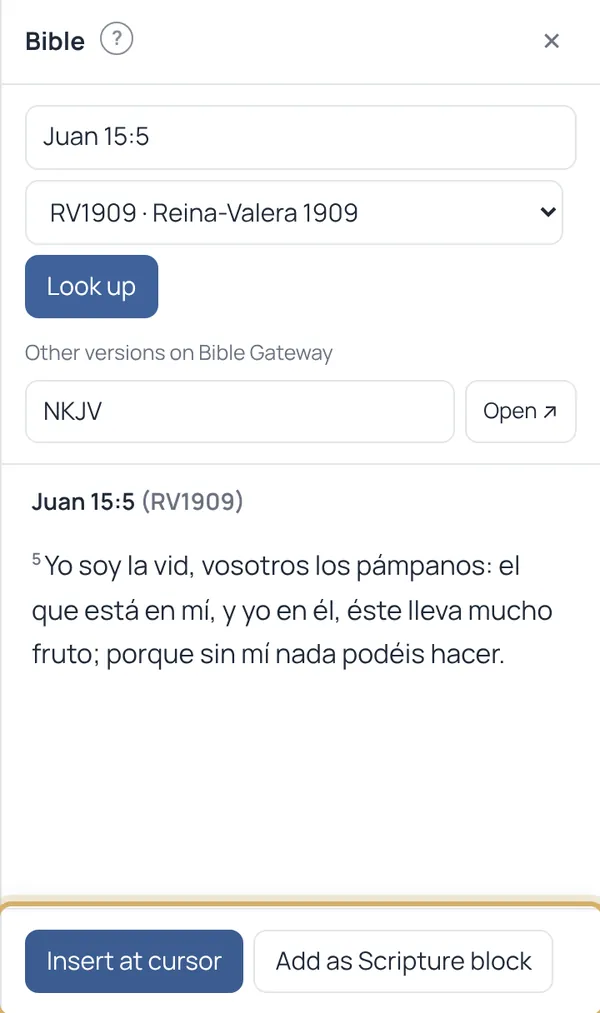
Press Bible in the top bar to open a side panel. Type a reference, choose a version and press Look up. It’s a quick way to check a cross-reference while you write.
-
Insert it where you want it
Insert at cursor puts the verses inside the block you were writing in. Add as Scripture block gives them a block of their own.