
Guides · Account and billing
Back up and restore your sermons
Your sermons are saved to your account and on your devices. A backup file gives you one more copy that you keep yourself.
Updated October 16, 2026 · 3 steps · Leer en español
The steps at a glance
-
Back up every sermon
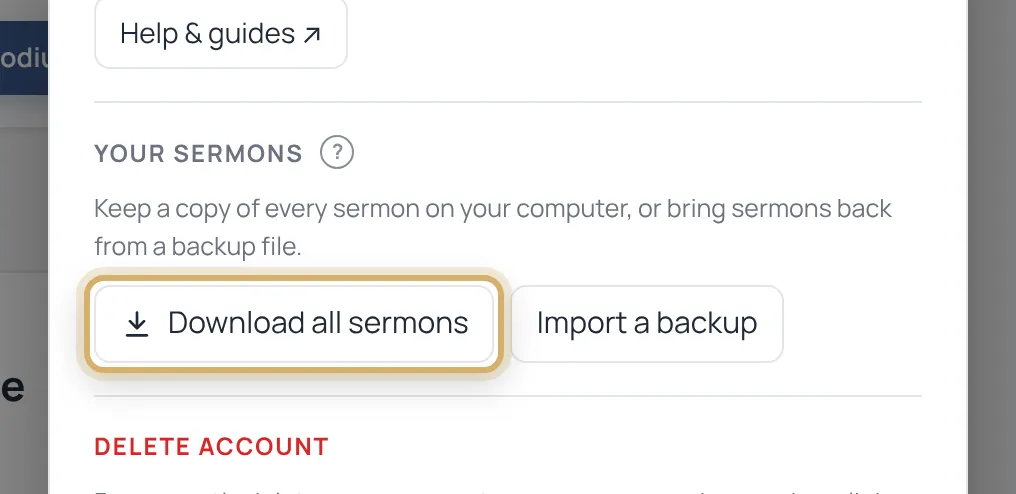
Open Account and, under Your sermons, press Download all sermons. You get one file with all of them. Keep it somewhere safe, like your computer or a cloud drive.
-
Back up one sermon
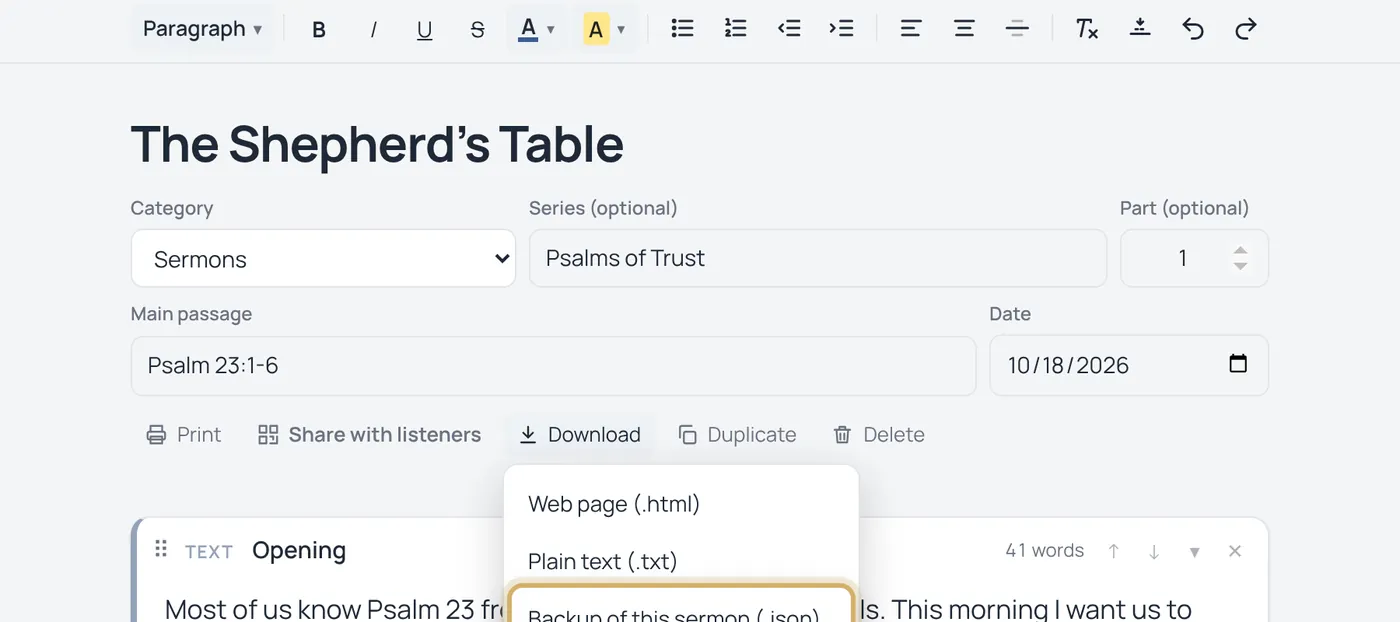
In a sermon, open Download and choose Backup of this sermon (.json).
-
Restore from a backup
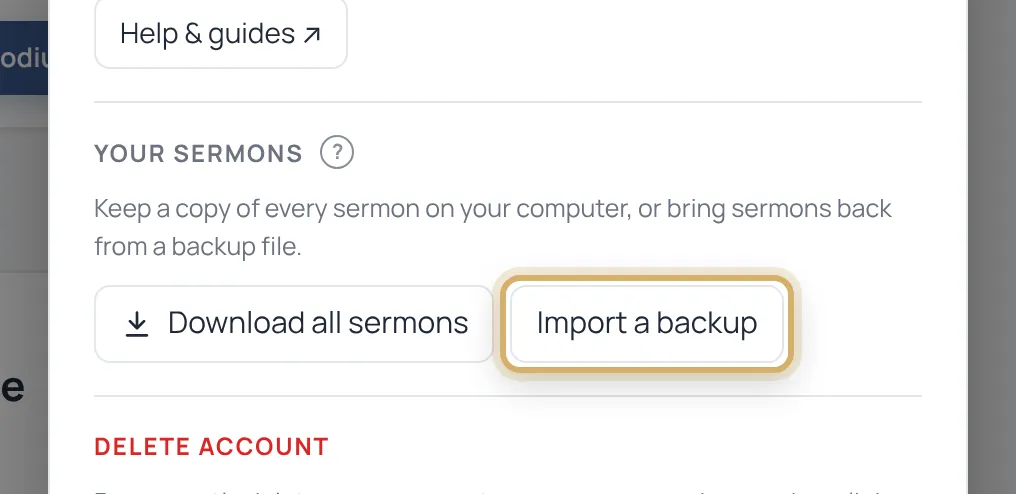
Press Import a backup (in Account, or at the bottom of your dashboard) and choose the file. Homileto adds the sermons alongside the ones you already have; it never replaces or deletes anything.