
Guides · Organizing
Print, save as PDF, download, duplicate or delete a sermon
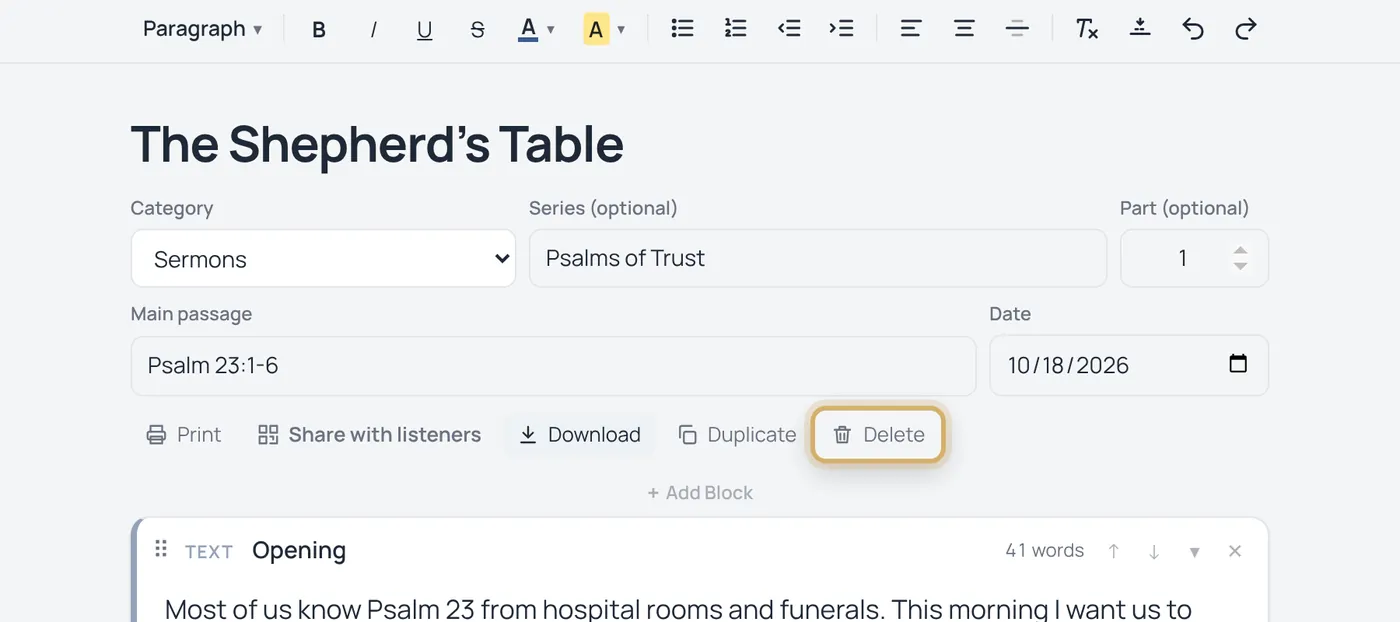
Under every sermon’s title is a row of actions for getting it out of Homileto, reusing it, or clearing it away.
Updated October 16, 2026 · 4 steps · Leer en español
The steps at a glance
-
Print or save as a PDF
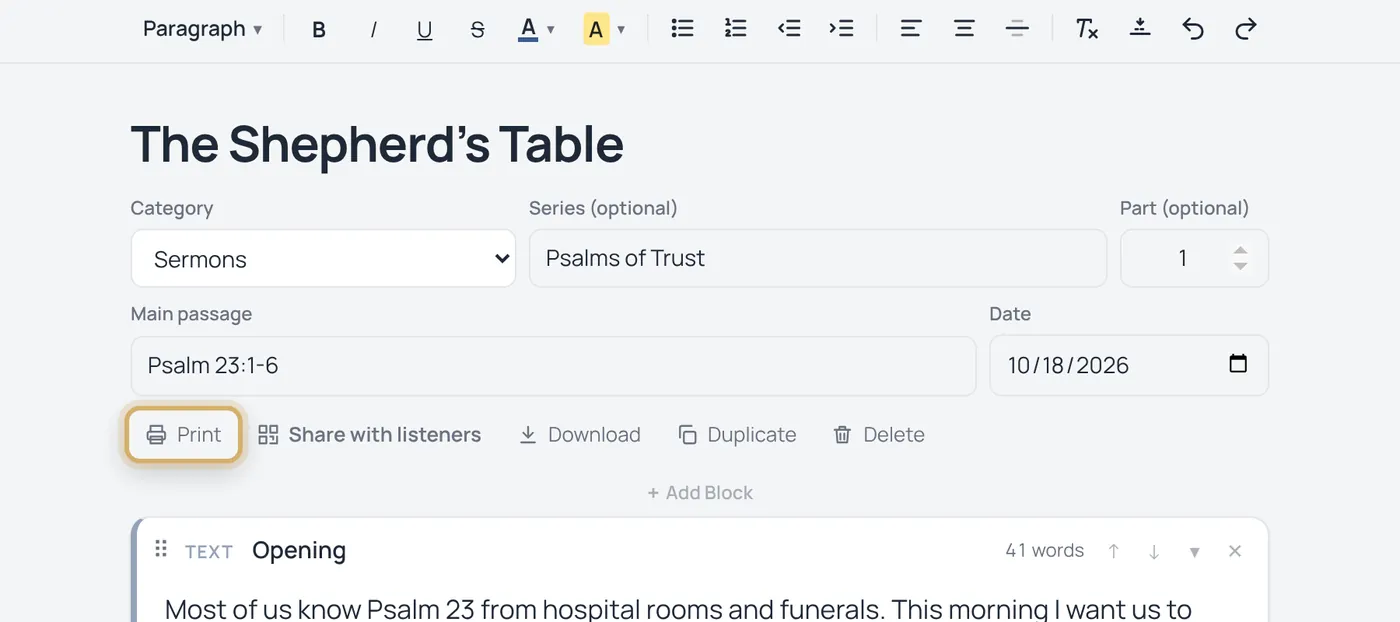
Press Print. Homileto prints a clean copy with the colored blocks. To make a PDF, choose Save as PDF (or Microsoft Print to PDF) as the printer.
-
Download a copy
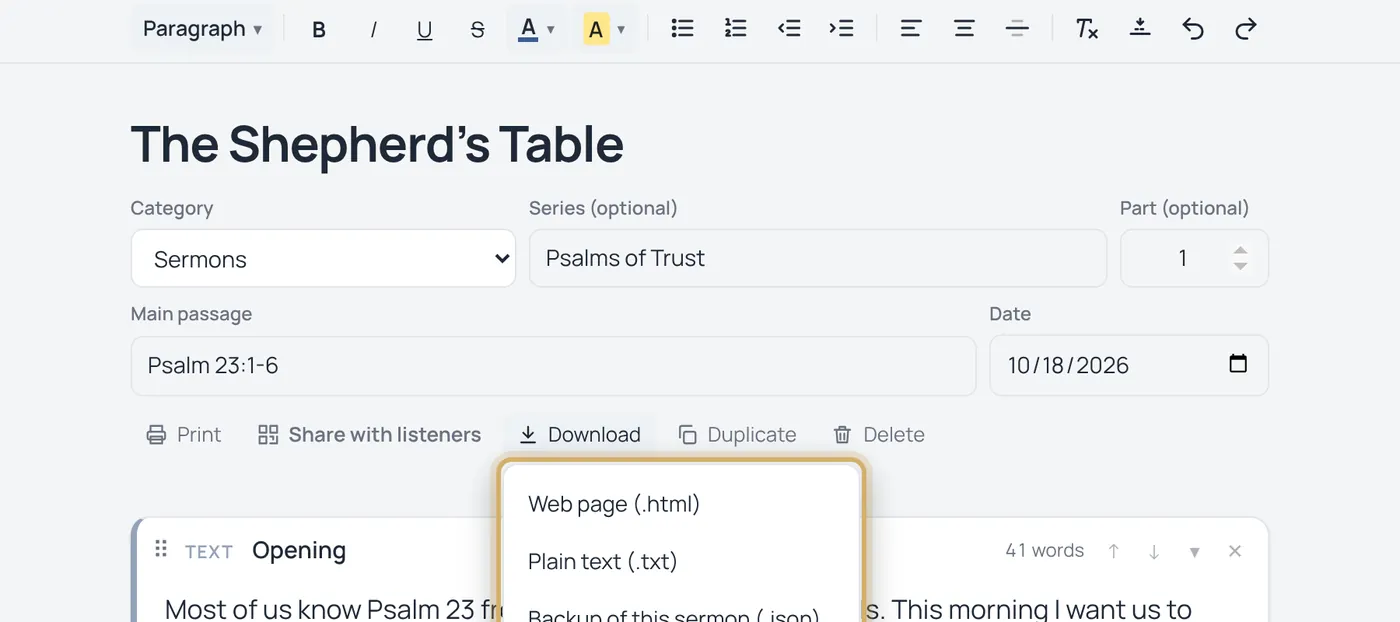
Press Download and choose a Web page (.html) that opens in any browser, Plain text (.txt) for email or other programs, or a Backup of this sermon (.json) you can import into Homileto later.
-
Duplicate it
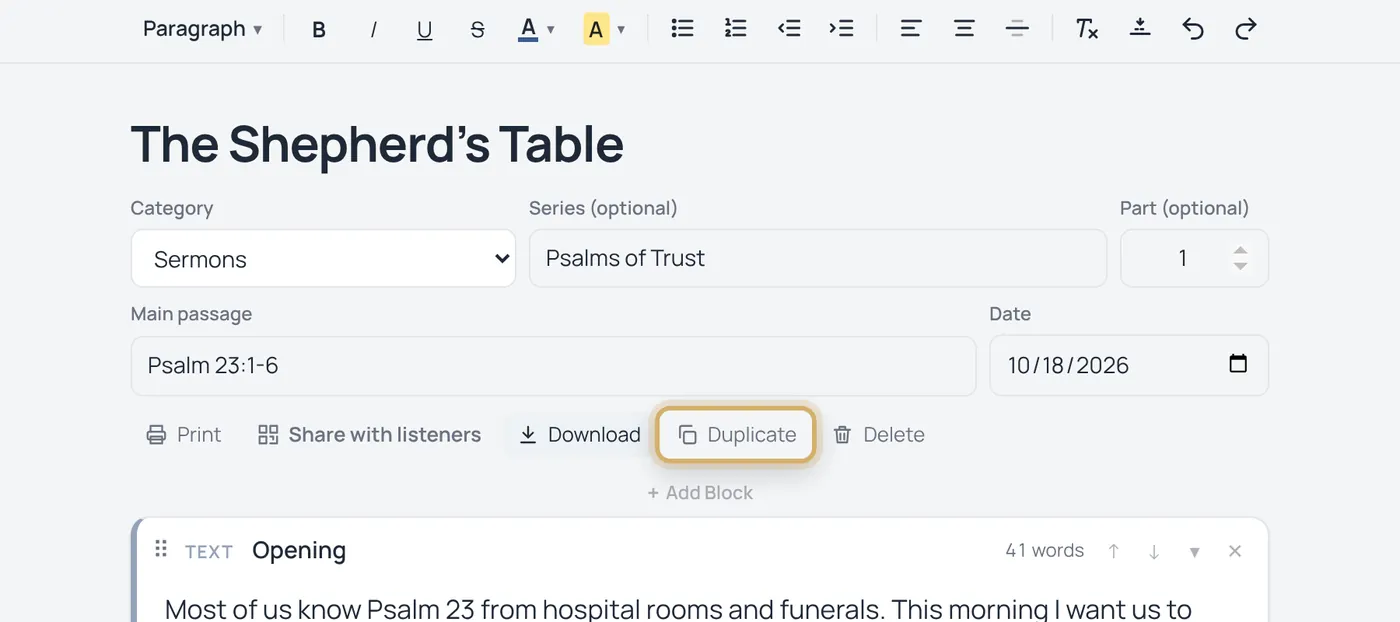
Press Duplicate to make a copy named “(copy)”. It’s the easy way to adapt a sermon for another service or to start from a structure you like.
-
Delete it
Press Delete and confirm. Deleting can’t be undone, so download a backup first if you might want it again.