
Guides · Sharing with listeners
For listeners: take sermon notes in Homileto Notes
Homileto Notes is a free sermon notes app for listeners, on any phone or tablet. No ads, no AI, and you don’t need an account. Share this guide with your church.
Updated October 16, 2026 · 7 steps · Leer en español
The steps at a glance
-
Open Homileto Notes
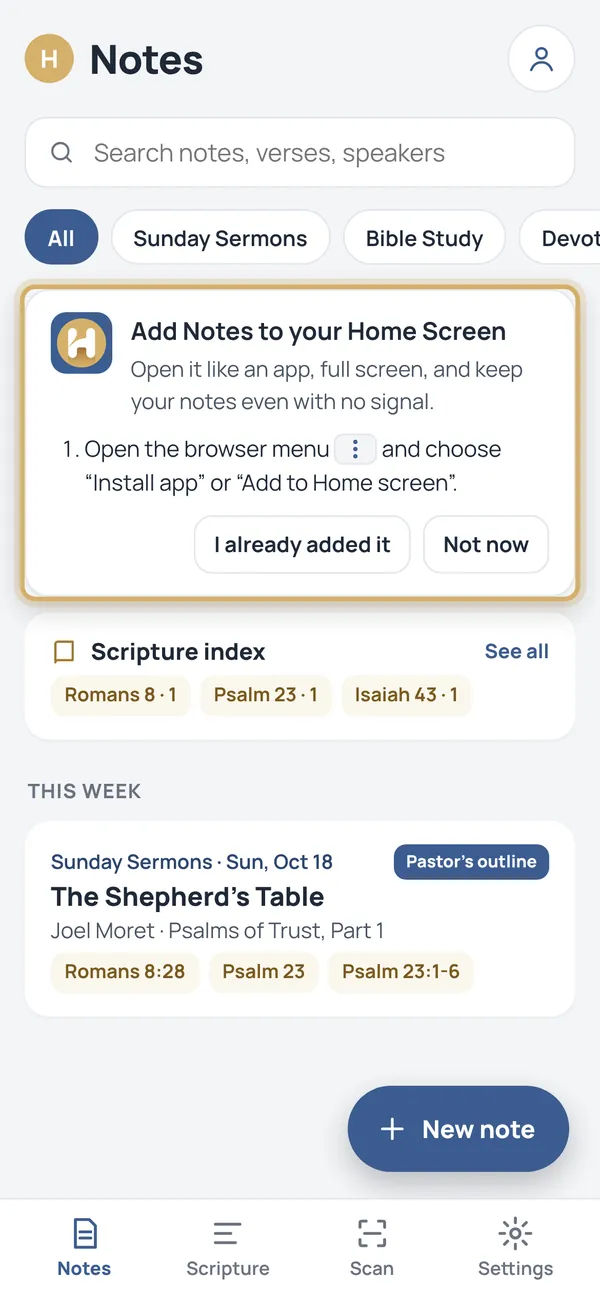
Go to notes.homileto.com on your phone. It works right in the browser; you can add it to your Home Screen like an app.
-
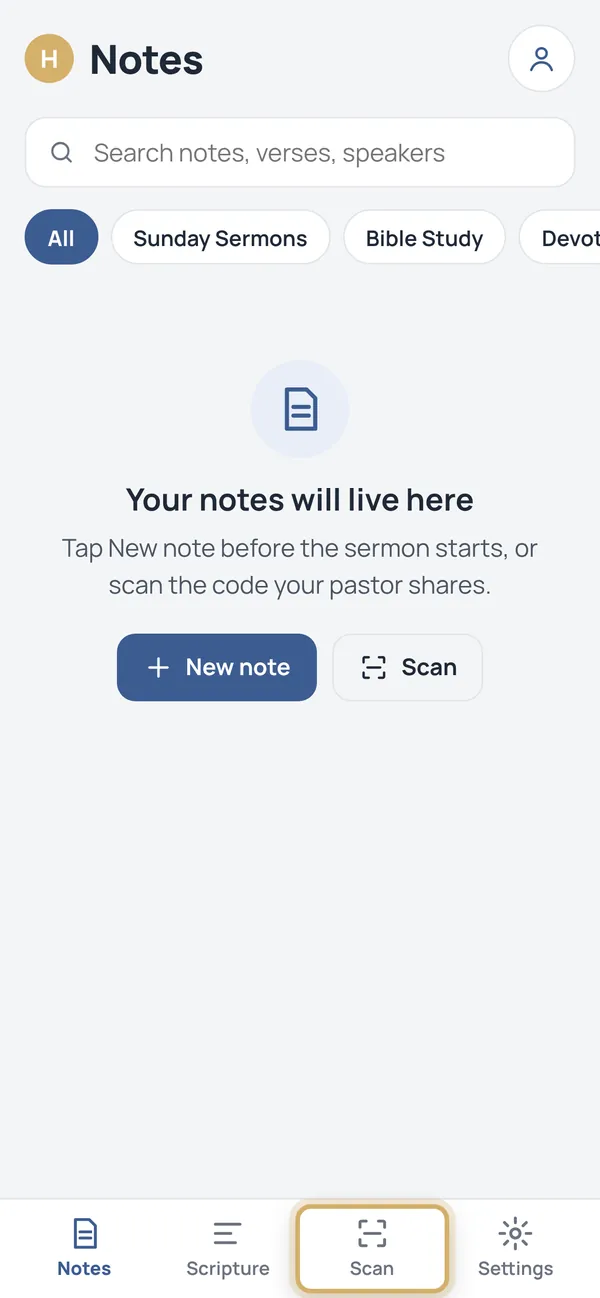
Scan the sermon code
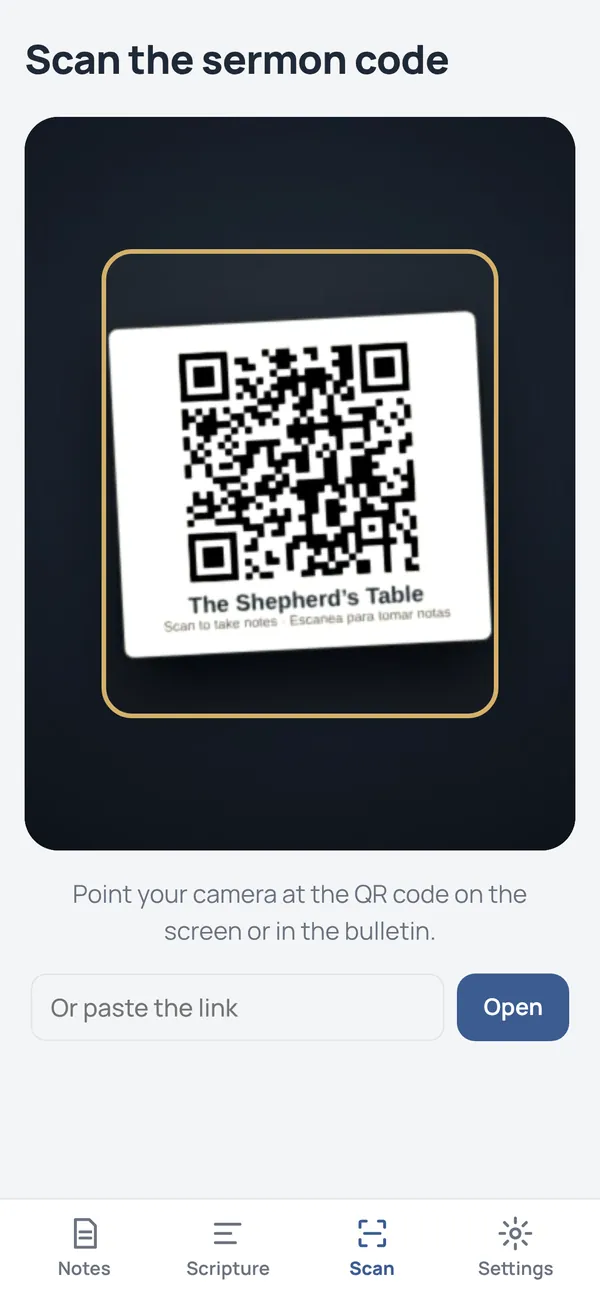
Tap Scan and point the camera at the code on the screen or in the bulletin. You can also scan with your phone’s camera app, or paste a link your church sent you.
-
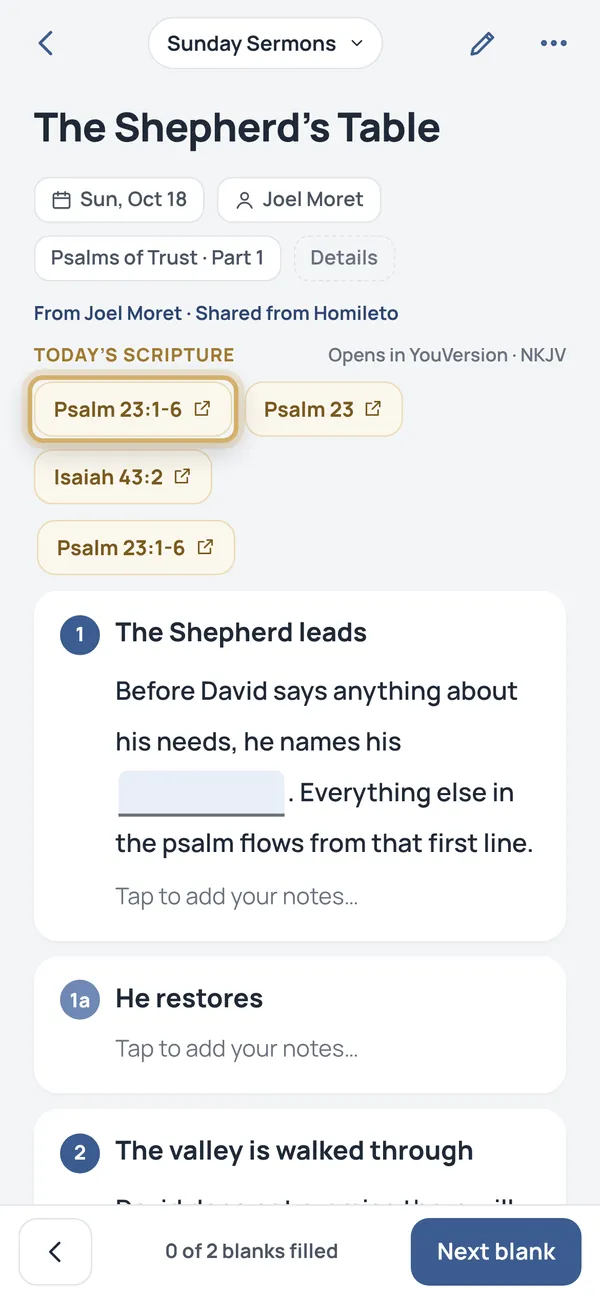
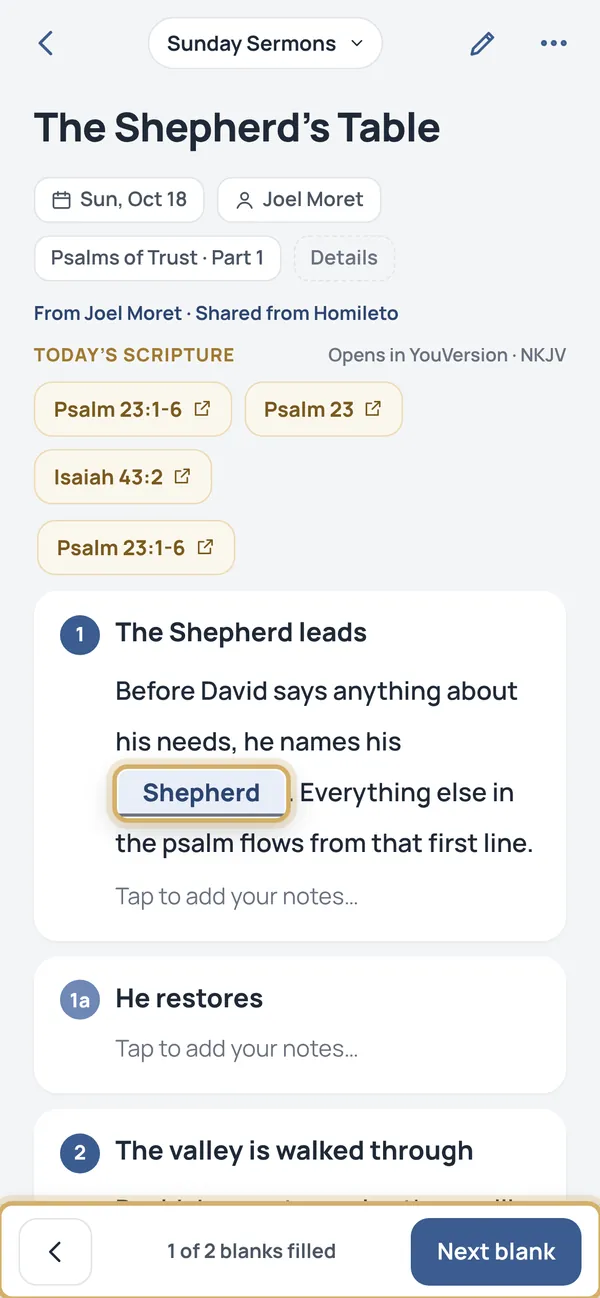
The sermon opens
You get the title, date and speaker, and today’s verses. Tap a verse to read it in your own Bible app (YouVersion or Bible Gateway, in the version you choose in Settings).
-
Fill in the blanks
If your pastor shared a fill-in outline, tap a box and type. The bar at the bottom counts what you’ve filled and jumps to the next blank.
-
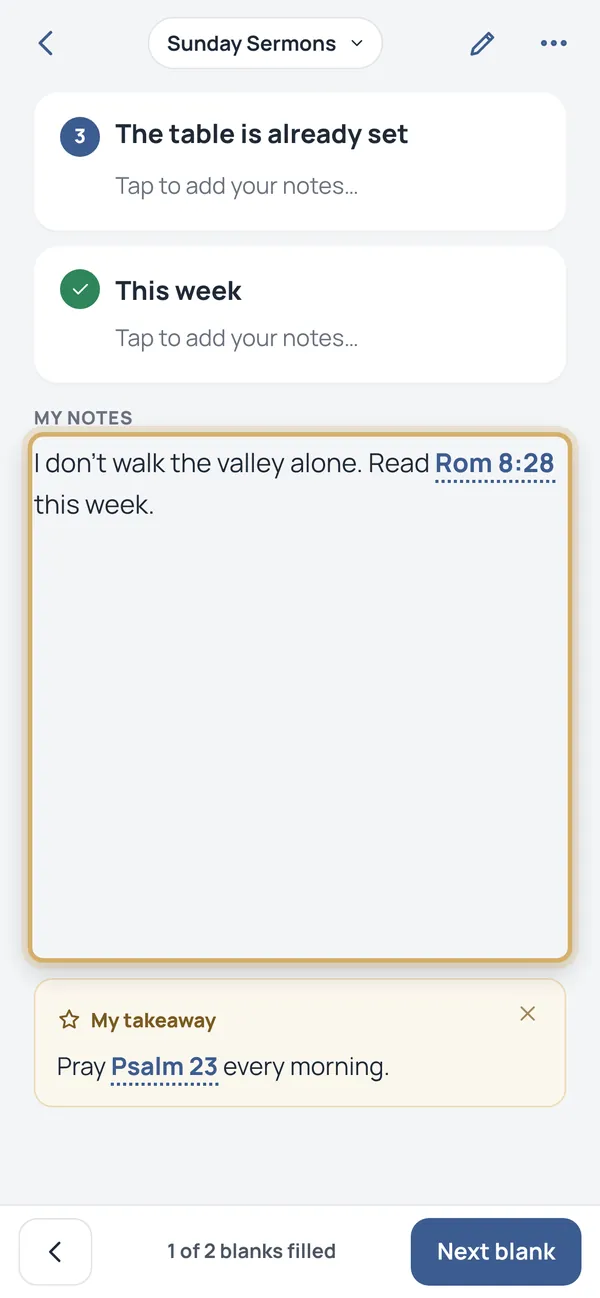
Write your own notes
Type under My notes. Verses you type, like Rom 8:28, become links. Add My takeaway for the one thing to remember this week, or prayer requests.
-
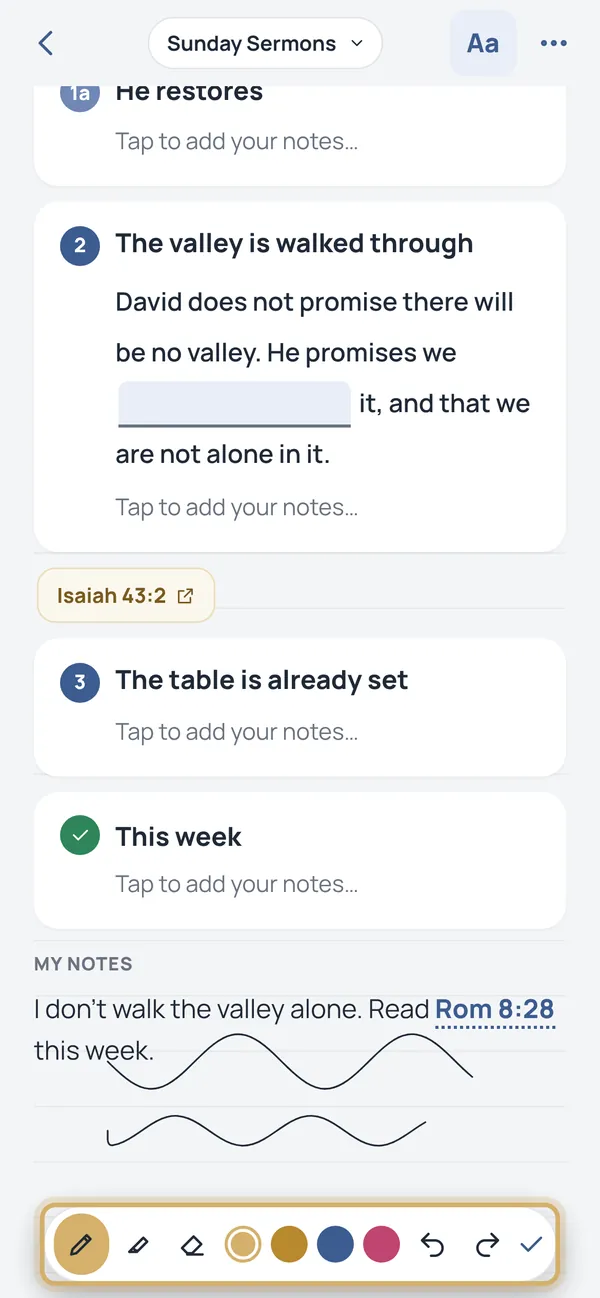
Or write by hand
Tap the pen to write with your finger or a stylus, in four colors, with a highlighter and an eraser. Tap the check mark when you’re done.
-
Your notes, all in one place
Every note lands in your library with a Scripture index of the verses you’ve heard. Notes are saved on your phone; a free account backs them up so they follow you to a new phone.