
Guides · Sharing with listeners
Share a sermon with your congregation: link and QR code
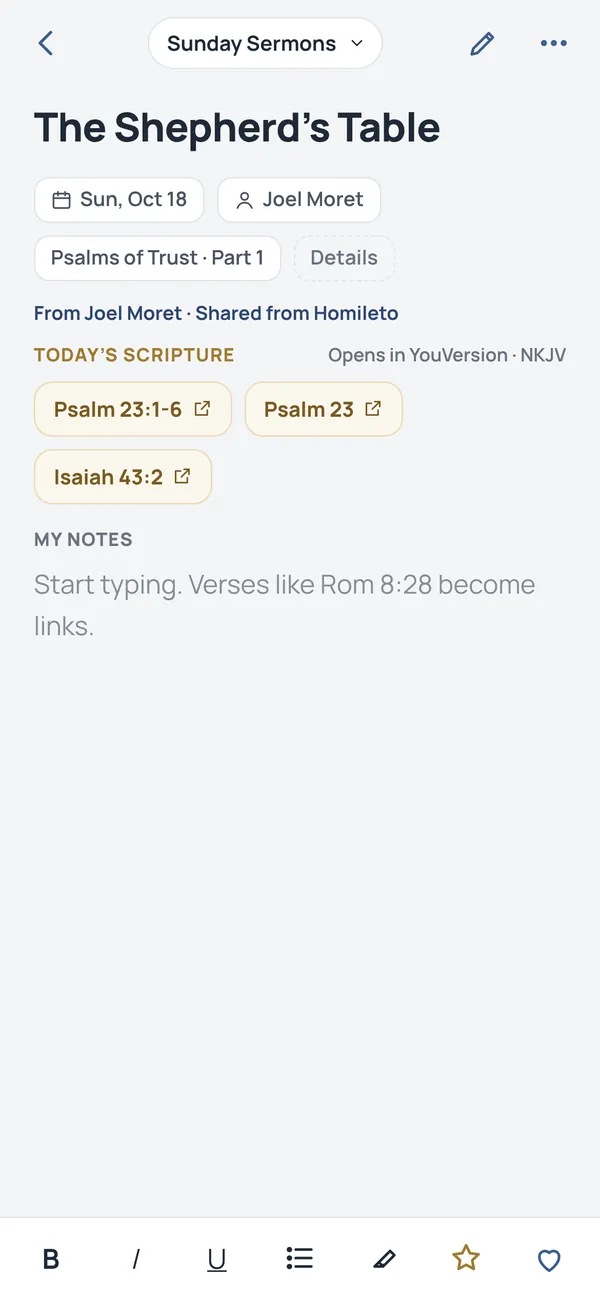
Share with listeners gives your church a code to scan. It opens the sermon in Homileto Notes, a free notes app for listeners: the title, date and verses, with space for their own notes. Your private notes stay private.
Updated October 16, 2026 · 5 steps · Leer en español
The steps at a glance
-
Open Share with listeners
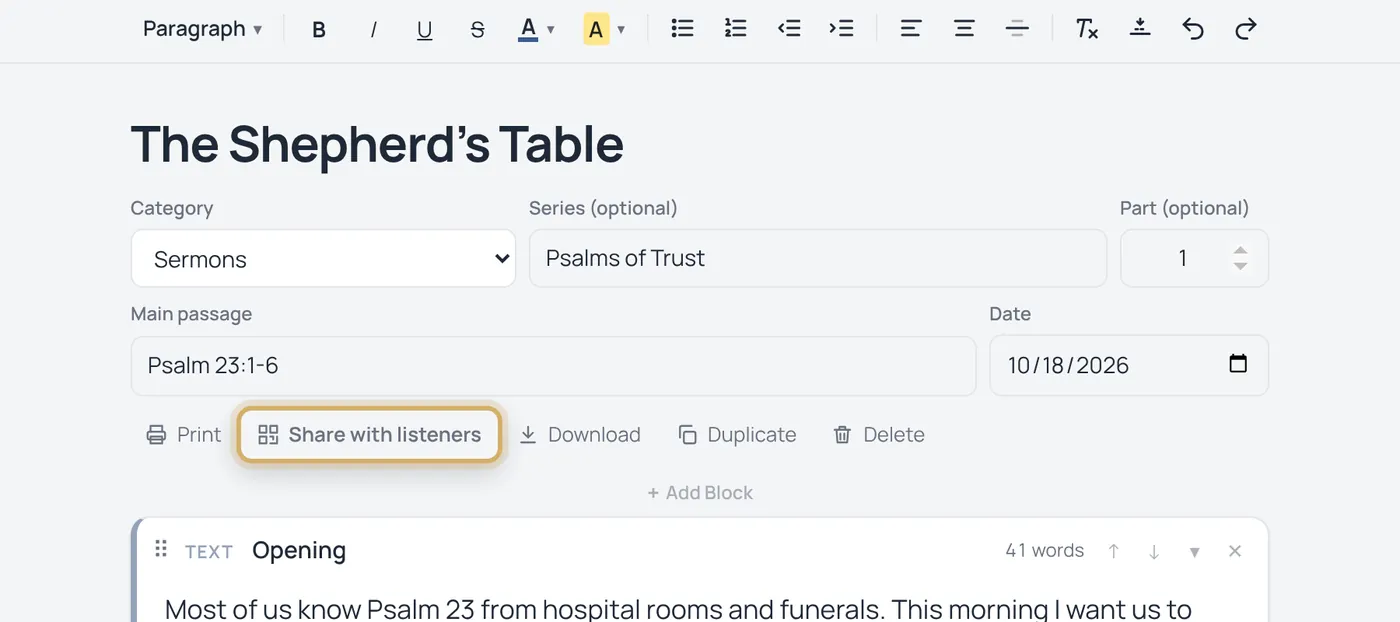
In the sermon, press Share with listeners, under the title.
-
Choose what they get, then create the code
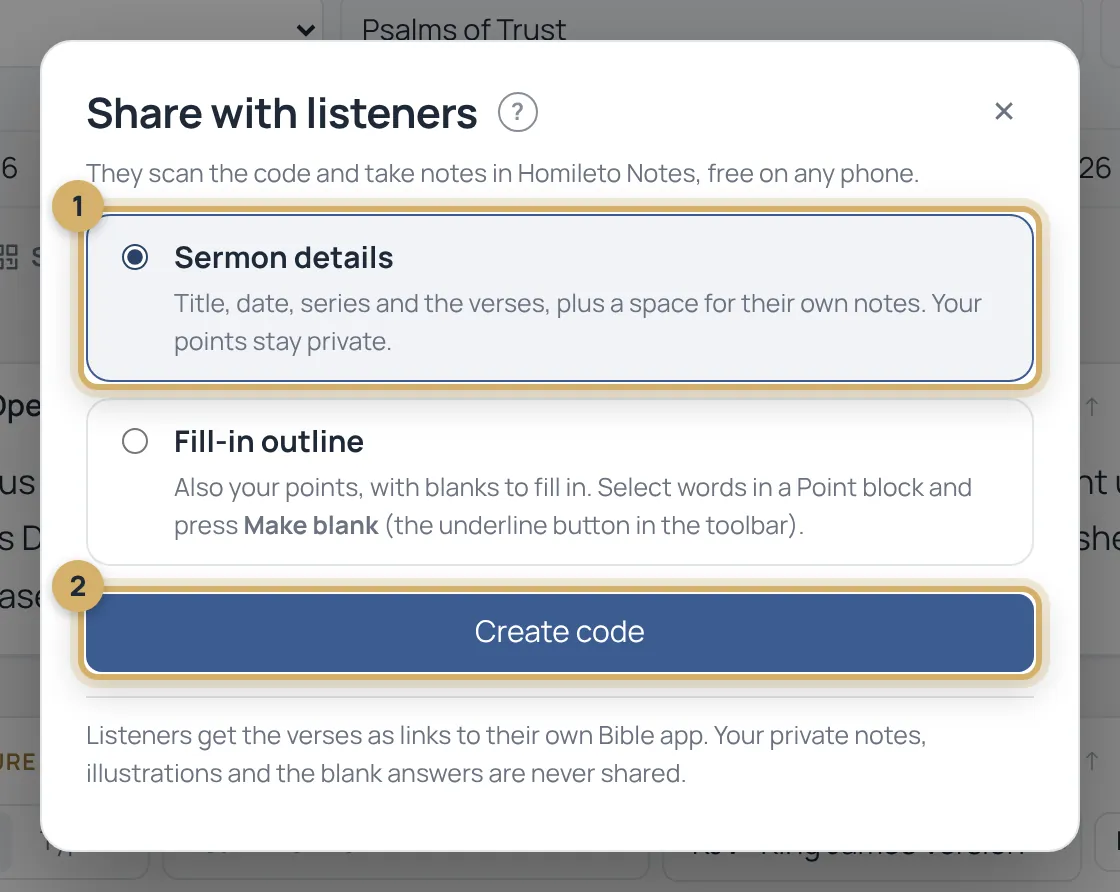
Sermon details gives them the title, date, series and verses, plus space for their notes; your points stay private. Fill-in outline adds your points with blanks to fill in (see Make a fill-in-the-blank outline). Then press Create code.
-
Put the code where people will see it
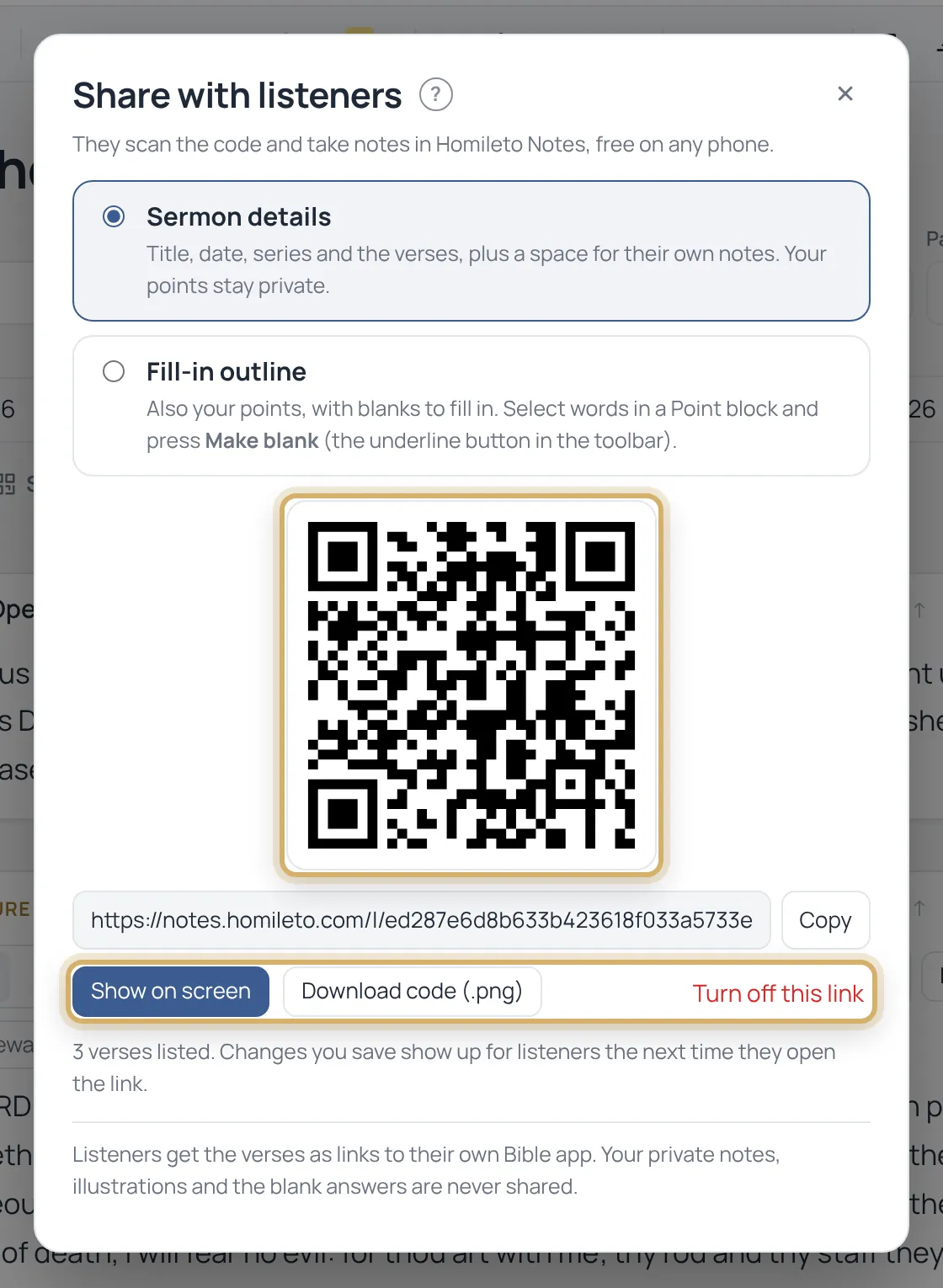
Press Download code (.png) to add it to your slides or bulletin, or Copy to send the link by text, email or your church app. You can switch between details and outline later; the same code keeps working.
-
Or show it on the screen
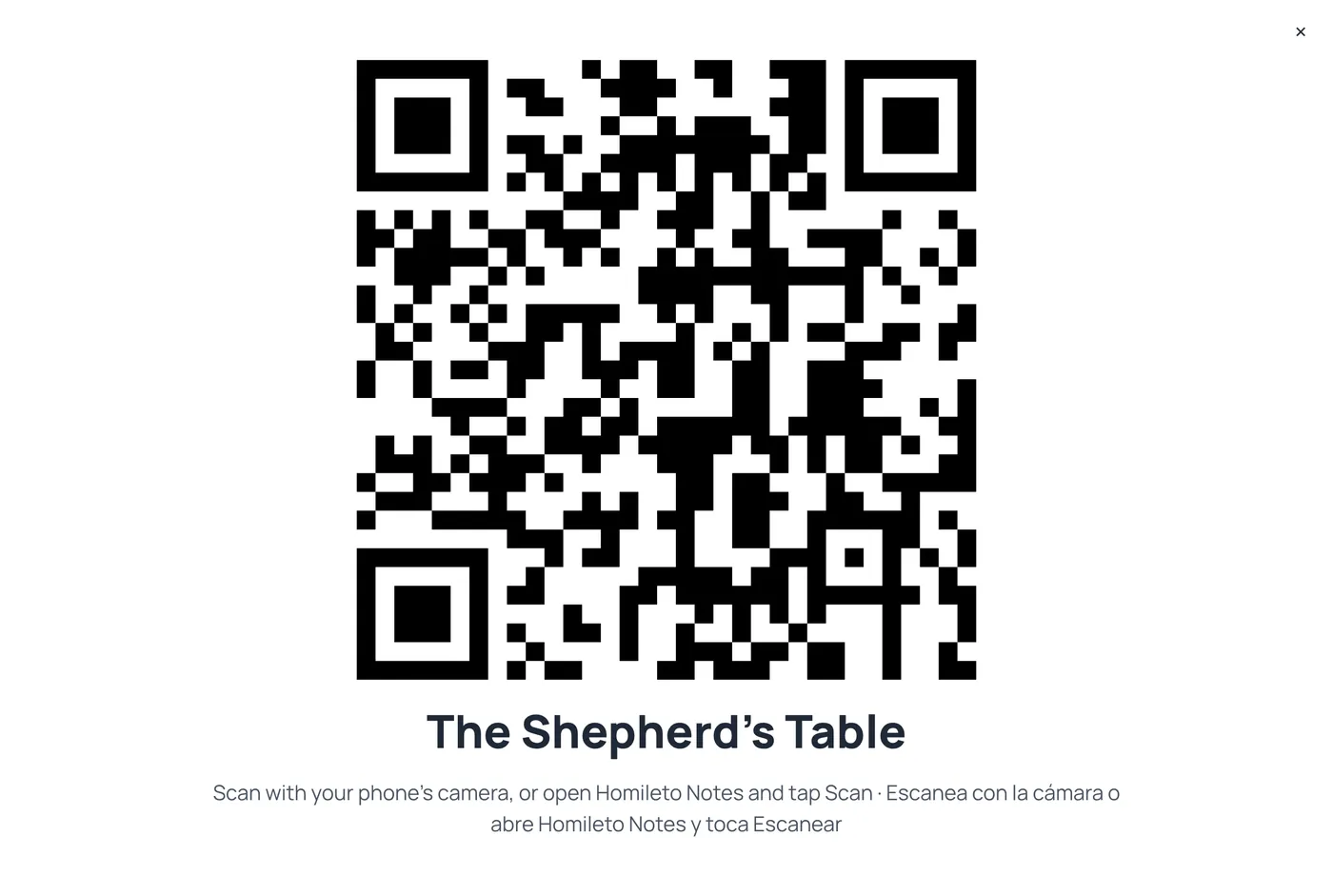
Show on screen fills the screen with the code, ready for the projector before the sermon starts.
-
What your listeners see
They scan with the phone’s camera and the sermon opens in Homileto Notes, in English or Spanish to match their phone. Each verse is a link to their own Bible app. Their notes are saved on their phone.