
Guides · Preaching
Share a read-only link with your interpreter or worship leader
In a bilingual church, the interpreter preaches with you. A share link lets them, or a worship leader or slides operator, follow your sermon in Podium Mode on their own device, without an account and without being able to change anything.
Updated October 16, 2026 · 4 steps · Leer en español
The steps at a glance
-
Create the link
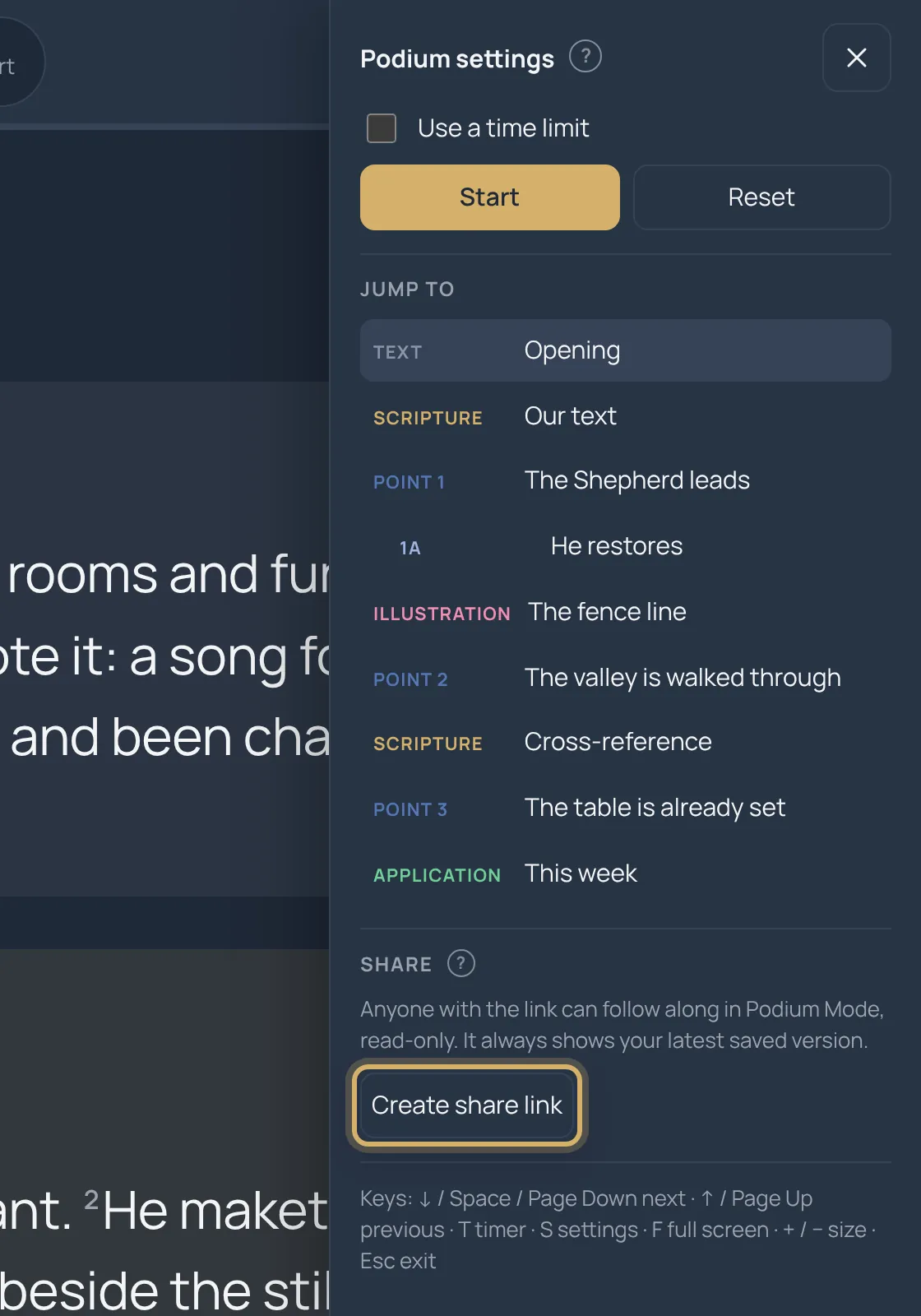
Open Podium Mode, press the gear, and scroll to Share. Press Create share link. The link is copied for you.
-
Send it
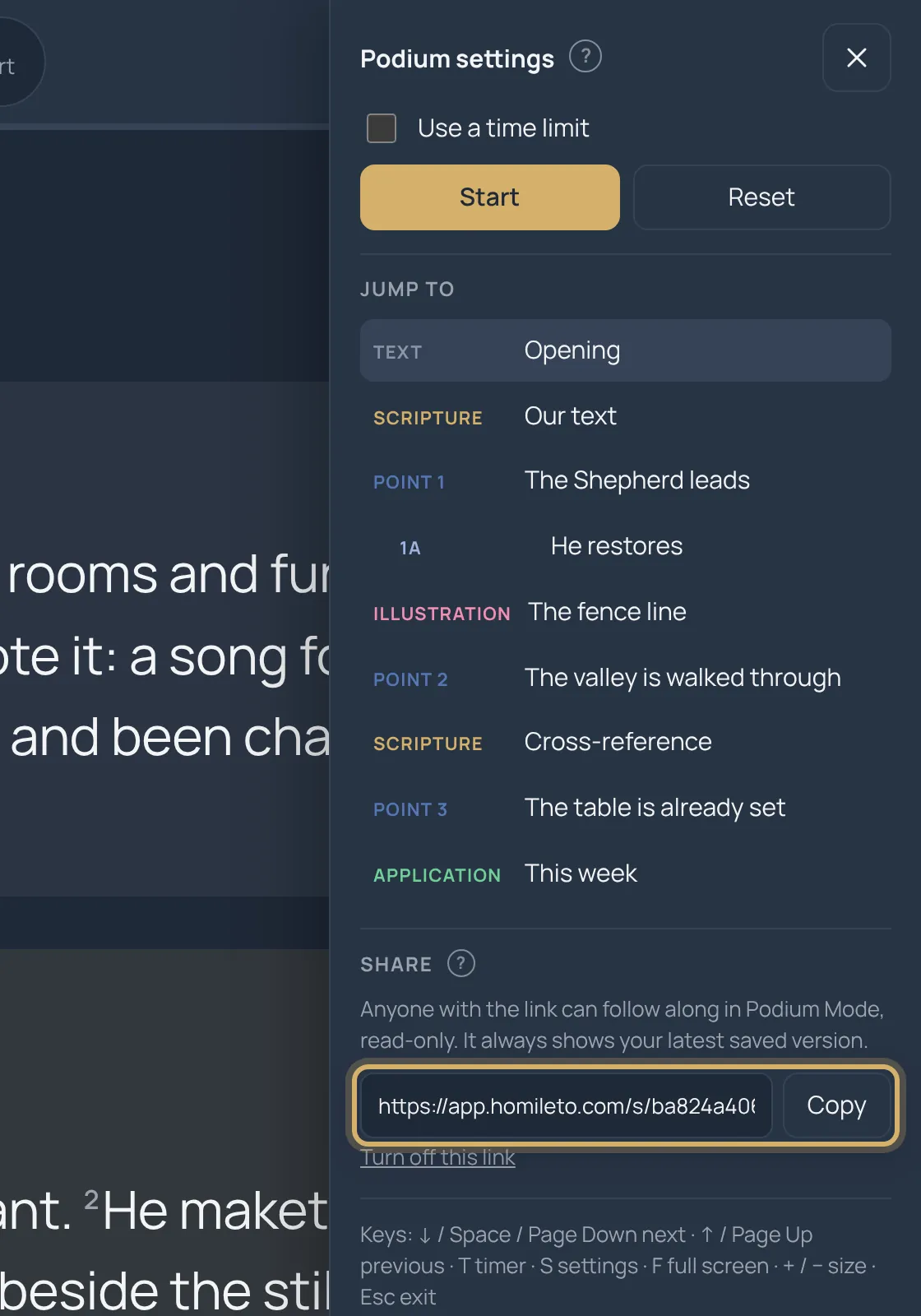
Paste the link into a text or email. Press Copy any time to copy it again.
-
What they see
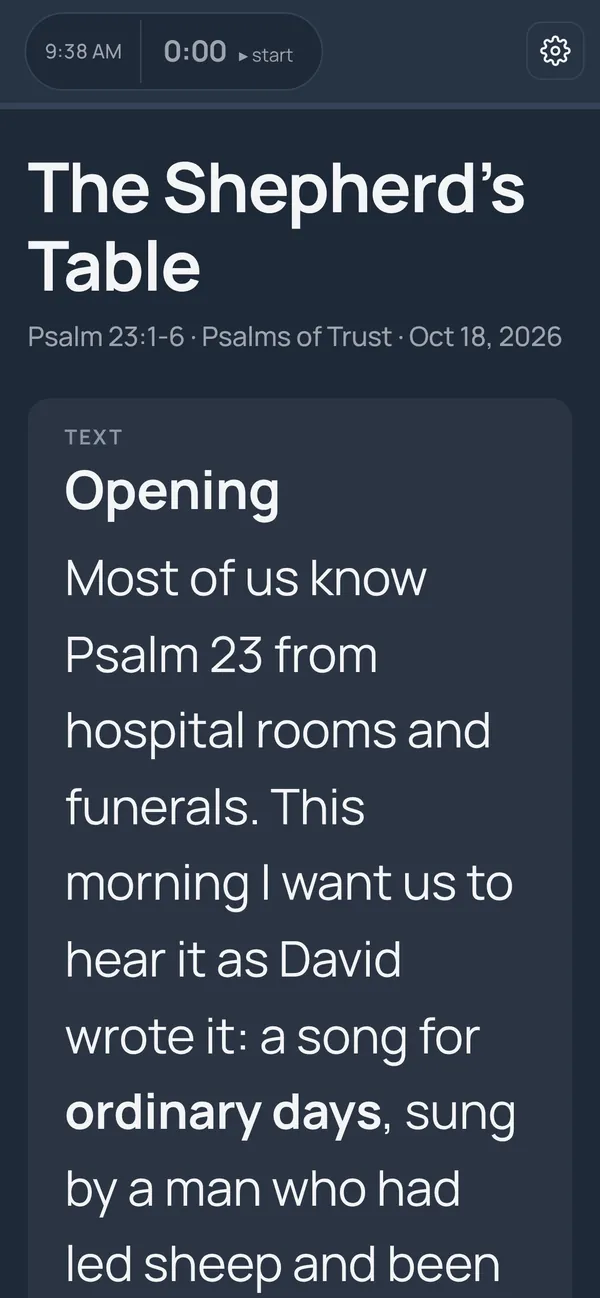
The link opens your sermon in Podium Mode, read-only, on any phone, tablet or computer. It shows your latest saved version each time it’s opened, so if you change something on Saturday night, ask them to reload the page.
-
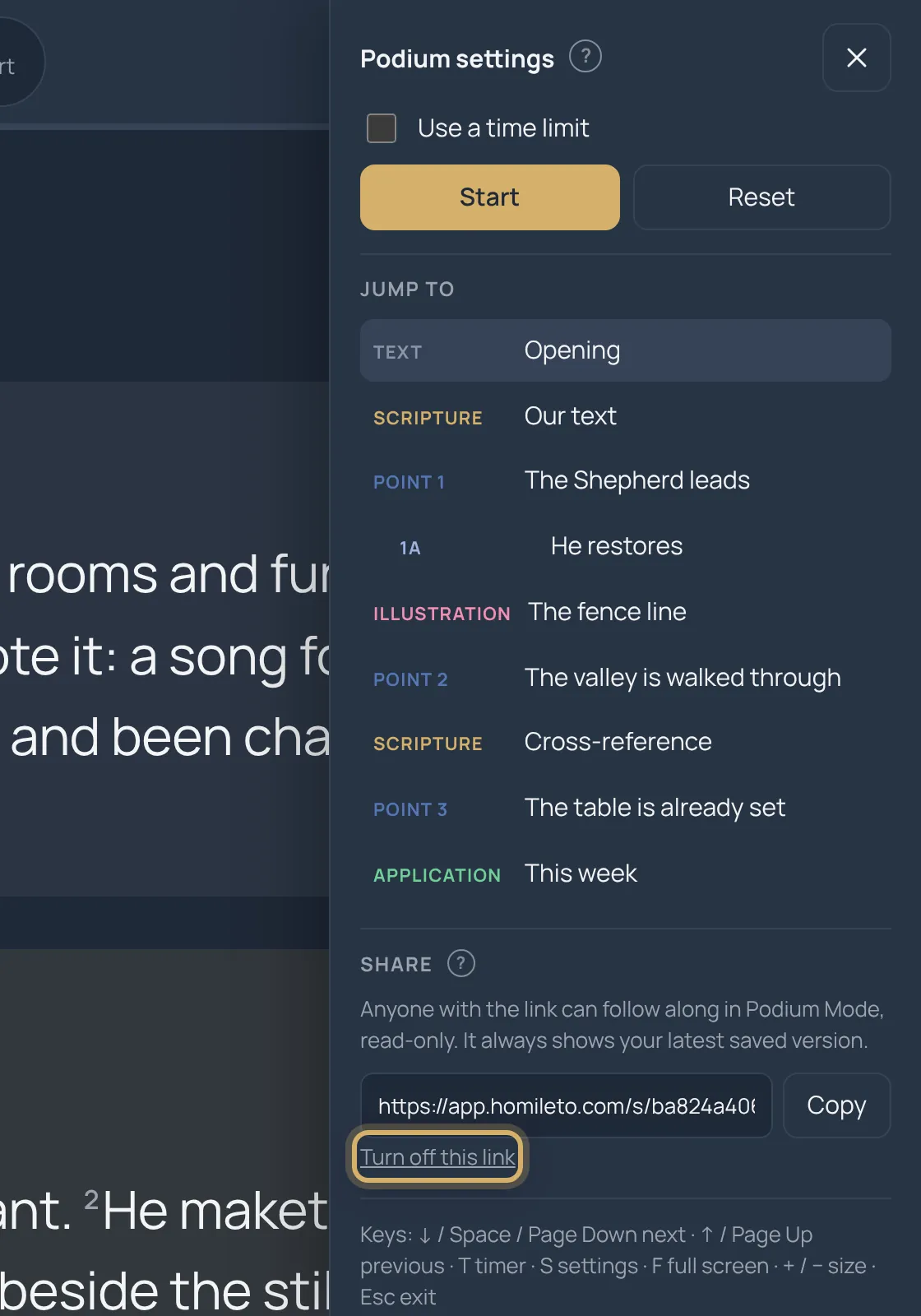
Turn it off
When you no longer want the link to work, press Turn off this link. Anyone who has it loses access right away. Shared links aren’t listed in search engines.