
Guides · Getting started
Create your account and start your free trial
Homileto gives you 14 days free, and you don’t need a card to start. Here’s how to sign up and find your way around.
Updated October 16, 2026 · 4 steps · Leer en español
The steps at a glance
-
Open Homileto
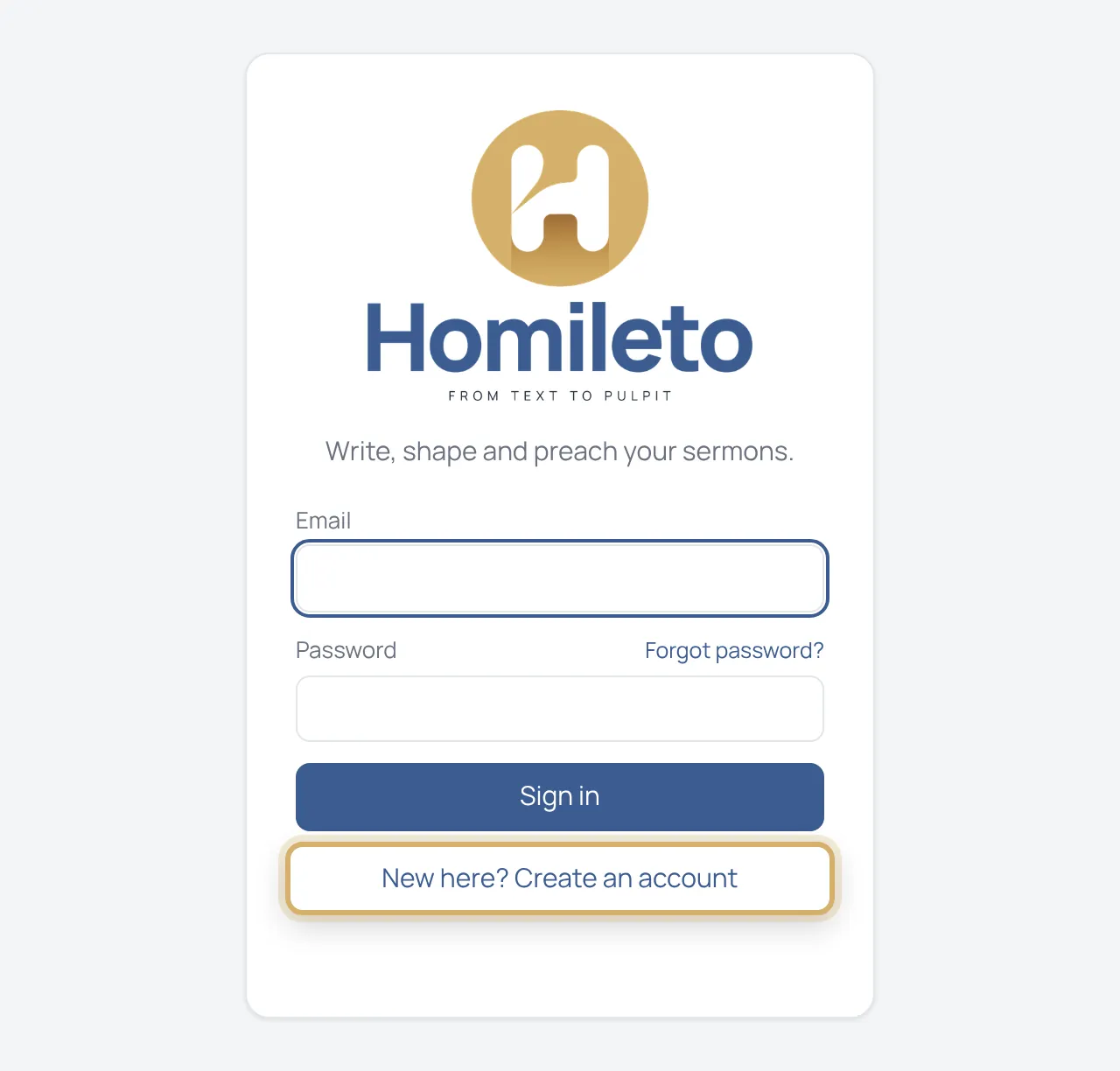
Go to app.homileto.com on any computer, tablet or phone. If you see the sign-in screen, tap New here? Create an account.
-
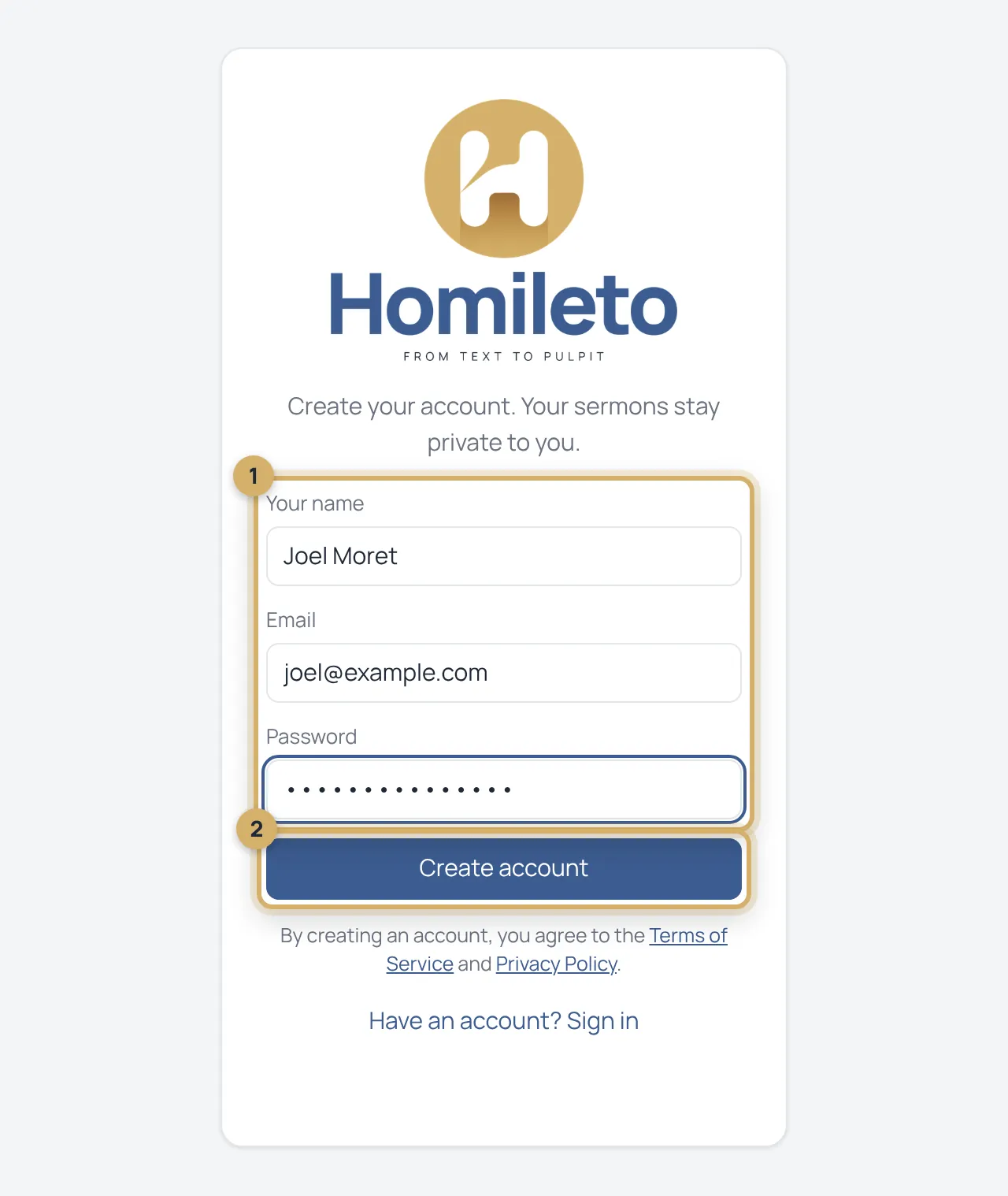
Enter your name, email and a password
Use your first and last name; Homileto uses your first name to greet you. Choose a password of at least 8 characters, then press Create account. Creating an account means you agree to the Terms and Privacy Policy.
-
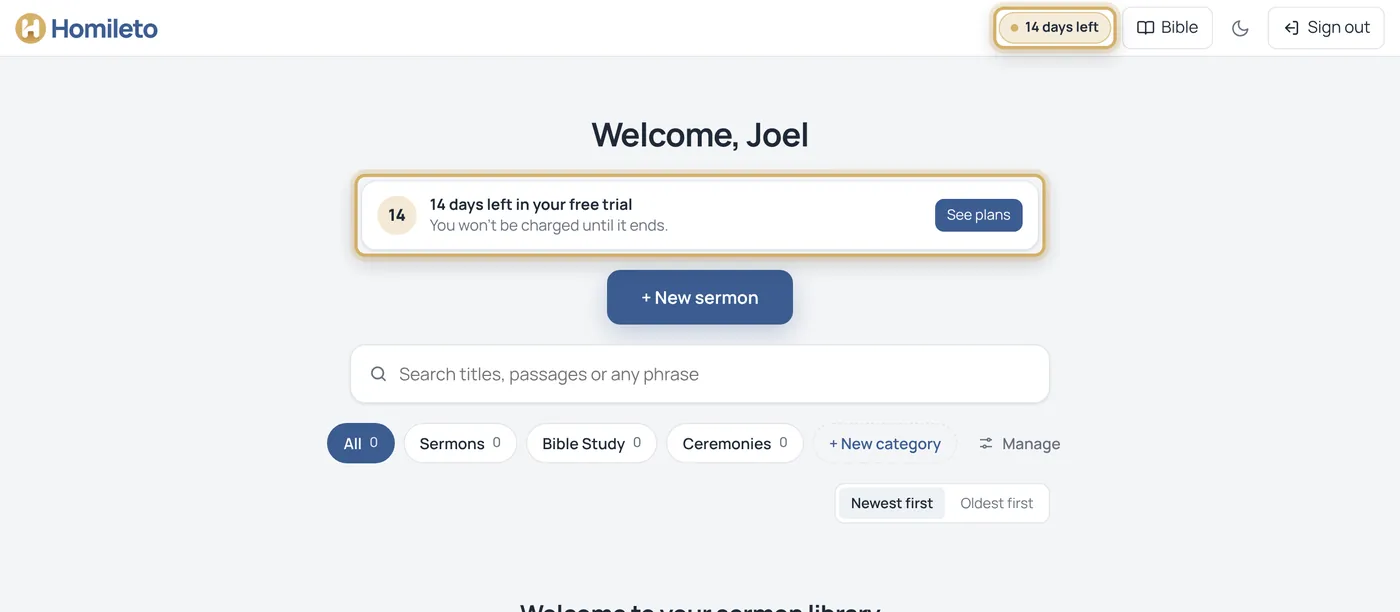
Your 14-day trial starts
The days left show in a small badge at the top and in a note on your dashboard. You won’t be charged during the trial. If you choose a plan before it ends, the days you have left carry over, so your first charge comes when the trial ends.
-
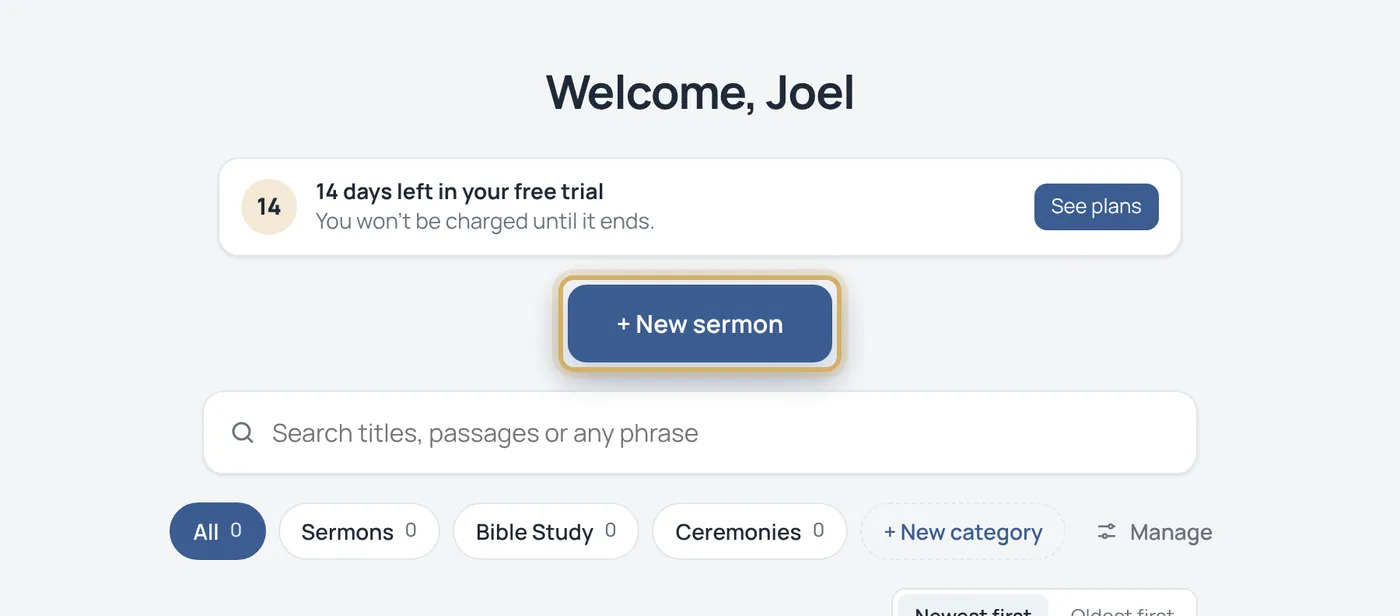
Write your first sermon
Press + New sermon. The next guide gives you a five-minute tour of the editor.