
Guides · Getting started
Install Homileto on your phone, tablet or computer and use it offline
Homileto runs in your web browser, but you can install it so it opens like any other app, full screen, from its own icon. It also keeps working without internet.
Updated October 16, 2026 · 5 steps · Leer en español
The steps at a glance
-
iPhone and iPad
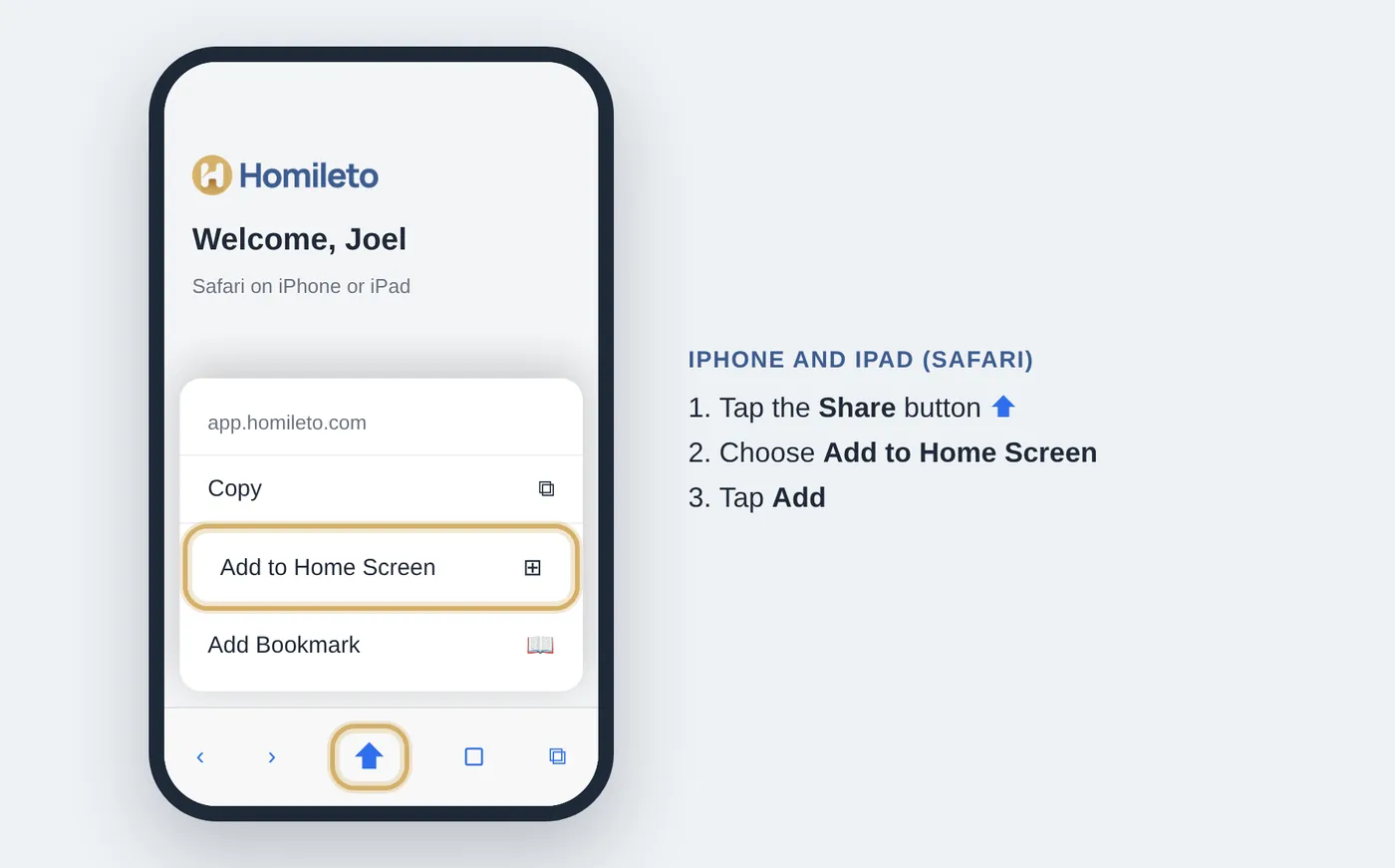
Open app.homileto.com in Safari and sign in. Tap the Share button, choose Add to Home Screen, then tap Add.
-
Android
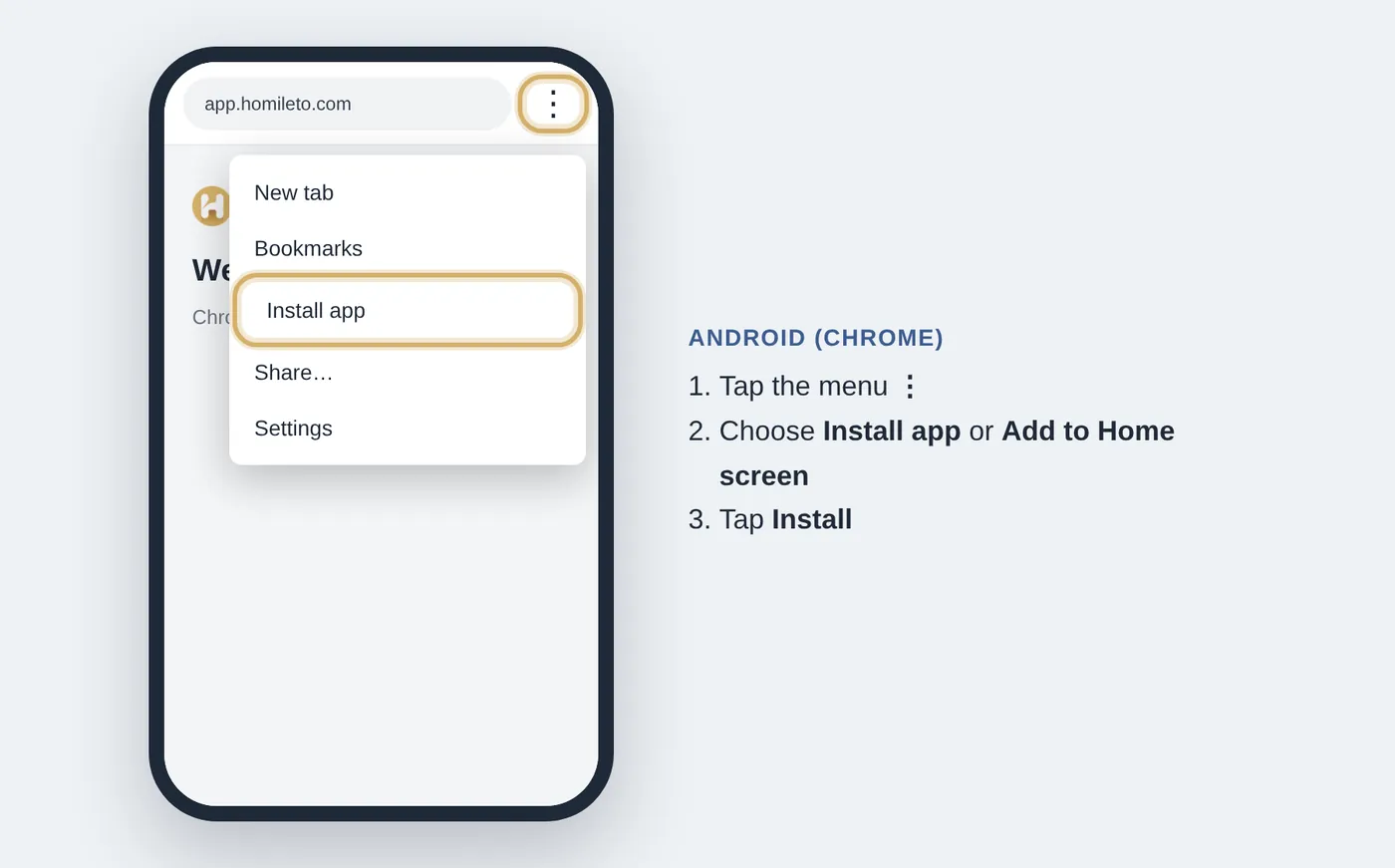
Open app.homileto.com in Chrome and sign in. Tap the menu ⋮, then Install app (on some phones it says Add to Home screen), and confirm.
-
Mac or Windows computer
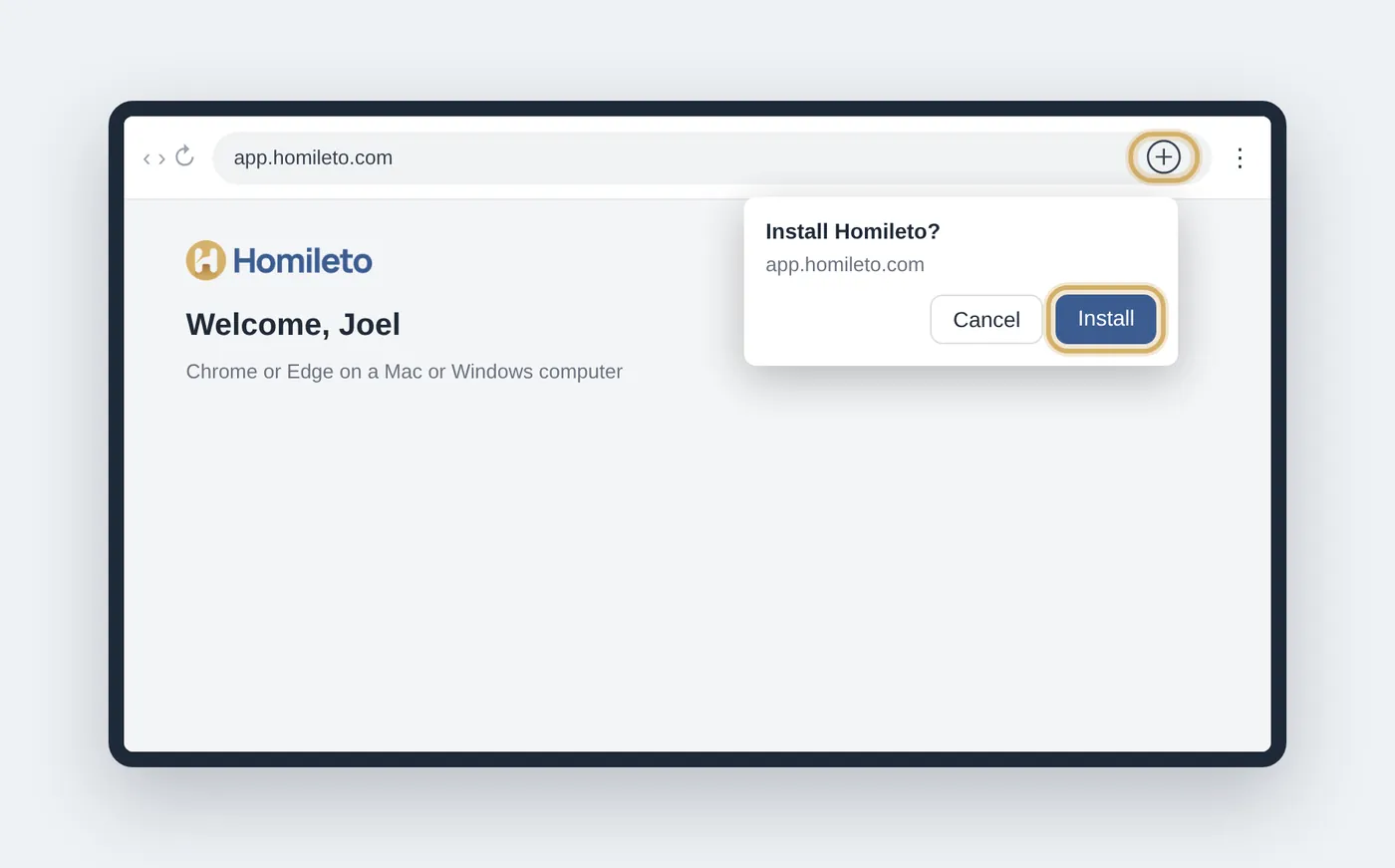
In Chrome or Edge, look for the install icon at the right end of the address bar, or open the browser menu and choose Install Homileto. On a Mac with Safari, choose File → Add to Dock.
-
Open it from its icon
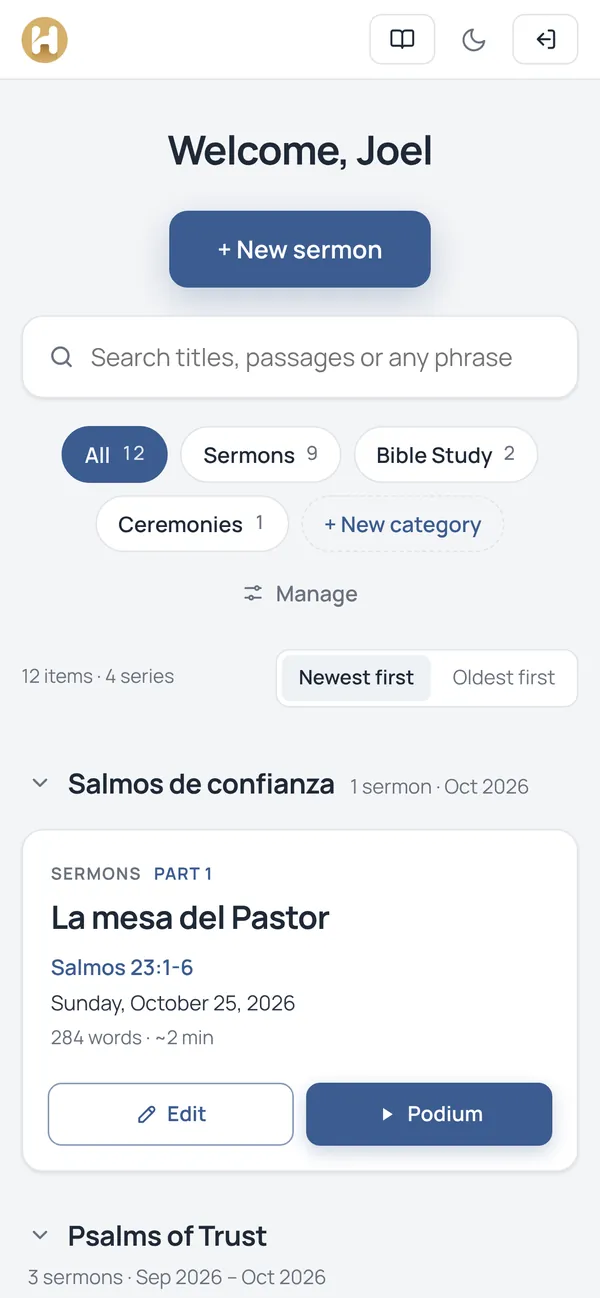
Homileto now opens full screen from your Home Screen, Dock or Start menu, with your sermons right there.
-
No internet? Keep going.
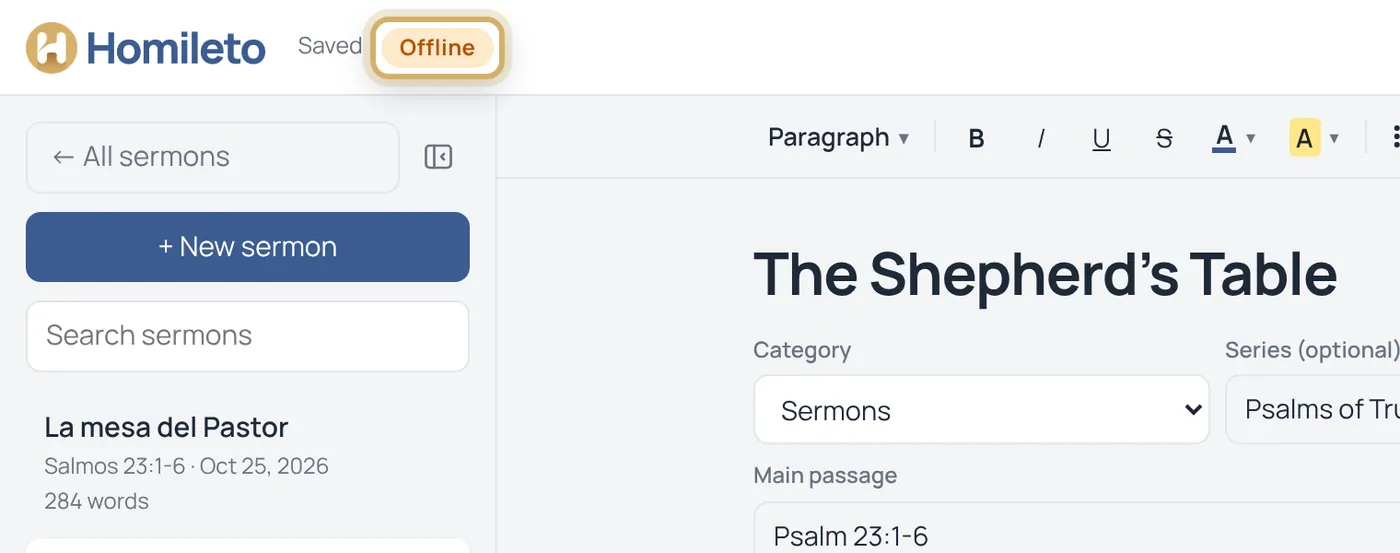
If the connection drops, an Offline badge appears at the top. Your sermons still open, Podium Mode still works, and any changes you make are kept on the device and saved as soon as you reconnect.